
Nocturne's standalone web application built with Vite + React
How To Use • Development • Contributing • Donate • Credits • Related • License


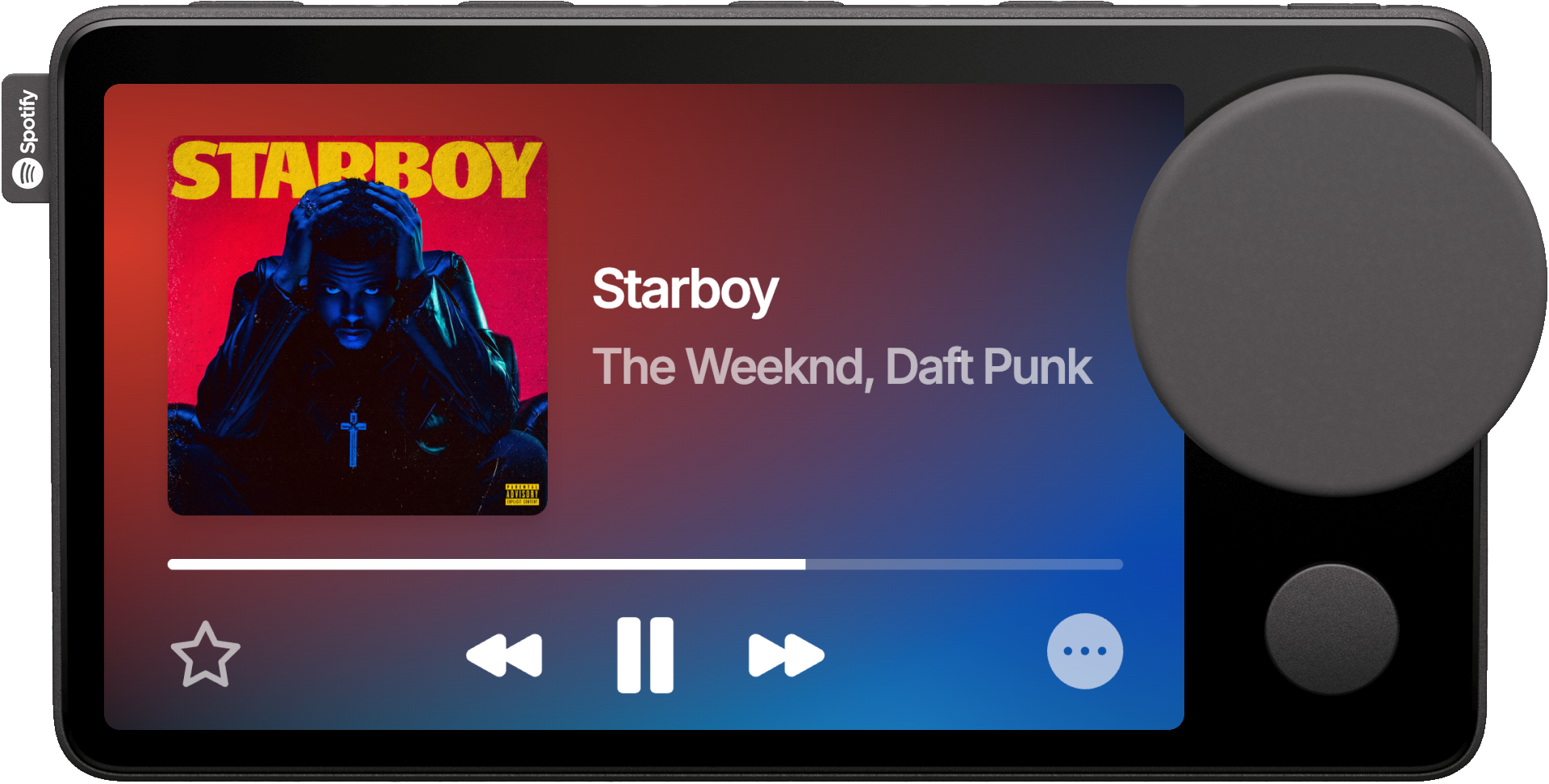
The guide to flash Nocturne to your Car Thing is on the main Nocturne GitHub page.
- Download the mobile app for your platform here (paid), or use Nocturne Connector.
- Follow the steps in the setup wizard, and start using Nocturne!
Note
When connecting to Spotify, you may notice the app appears as 'Spotify for Desktop' - this is expected behavior and won't affect functionality.
- Hold one of the top hardware preset buttons while viewing a playlist to map it to that button
- Press a mapped preset button anytime to instantly start playback
- Turn the dial in the Now Playing tab to adjust volume
- Press the right-most top hardware button to lock the screen
- Hold the right-most top hardware button to open the quick settings menu
- Tap the progress bar to scrub tracks, then turn the dial to seek and press the dial to confirm
- Swipe left or right in the Now Playing tab to skip between tracks
- Say "Hey Nocturne", then speak to control your music hands-free (requires mobile app)
- Clone the repository:
git clone https://github.com/usenocturne/nocturne-ui.git
cd nocturne-ui- Install dependencies:
bun install- Run the local dev server
bun devAfter setting up your local server, you may follow these steps to see your changes on your Car Thing.
- You need to use a computer or Raspberry Pi as a host device for your Car Thing.
- SSH into the Car Thing.
ssh root@172.16.42.2 # The login password is "nocturne". - Remount the rootfs as read/write.
mount -o remount,rw / - Edit
/etc/supervisord.conf.vi /etc/supervisord.conf - Find the
[program:chromium]section and move to thecommand=line. Jump to the end of that line by using arrow keys to go over it, and type$. - Enter insert mode with
iand replace the URL at the end of thecommand=line to point to your local server's IP address.--app=http://localhost:80 # turns into --app=http://your.local.ip.address:port - Remount the rootfs as read-only, sync changes, and restart Chromium.
mount -o remount,ro /
sync
supervisorctl reread
supervisorctl restart chromium
- Fork the repository
- Your changes should be based off the
mainbranch.
- Your changes should be based off the
- Create a feature branch:
git checkout -b feature/new-feature - Commit your changes:
git commit -m 'chore/feat/fix: add new feature'- Please label your commits with chore, feat, fix, and optionally add which module you changed in parenthesis and a short description of the change (i.e.
chore(ui): add new button).
- Please label your commits with chore, feat, fix, and optionally add which module you changed in parenthesis and a short description of the change (i.e.
- Push to the branch:
git push origin feature/new-feature - Open a Pull Request
Nocturne is a massive endeavor, and the team has spent every day over the last year making it a reality out of our passion for creating something that people like you love to use.
All donations are split between the three members of the Nocturne team and go towards the development of future features. We are so grateful for your support!
This software was made possible only through the following individuals and open source programs:
- Benjamin McGill, for giving Brandon a Car Thing to develop with
- bishopdynamics, for creating the original superbird-tool, and superbird-debian-kiosk
- Thing Labs's fork of superbird-tool, for their contributions on the original superbird-tool
This project is licensed under the GPL-3.0 license.
We kindly ask that any modifications or distributions made outside of direct forks from this repository include attribution to the original project in the README, as we have worked hard on this. :)
This software contains calls to the Nocturne API. Any use, distribution, or modification of this software constitutes acceptance of the Nocturne API License.
© 2026 Vanta Labs.
"Spotify" and "Car Thing" are trademarks of Spotify AB. This software is not affiliated with or endorsed by Spotify AB.
usenocturne.com · GitHub @usenocturne · Discord