
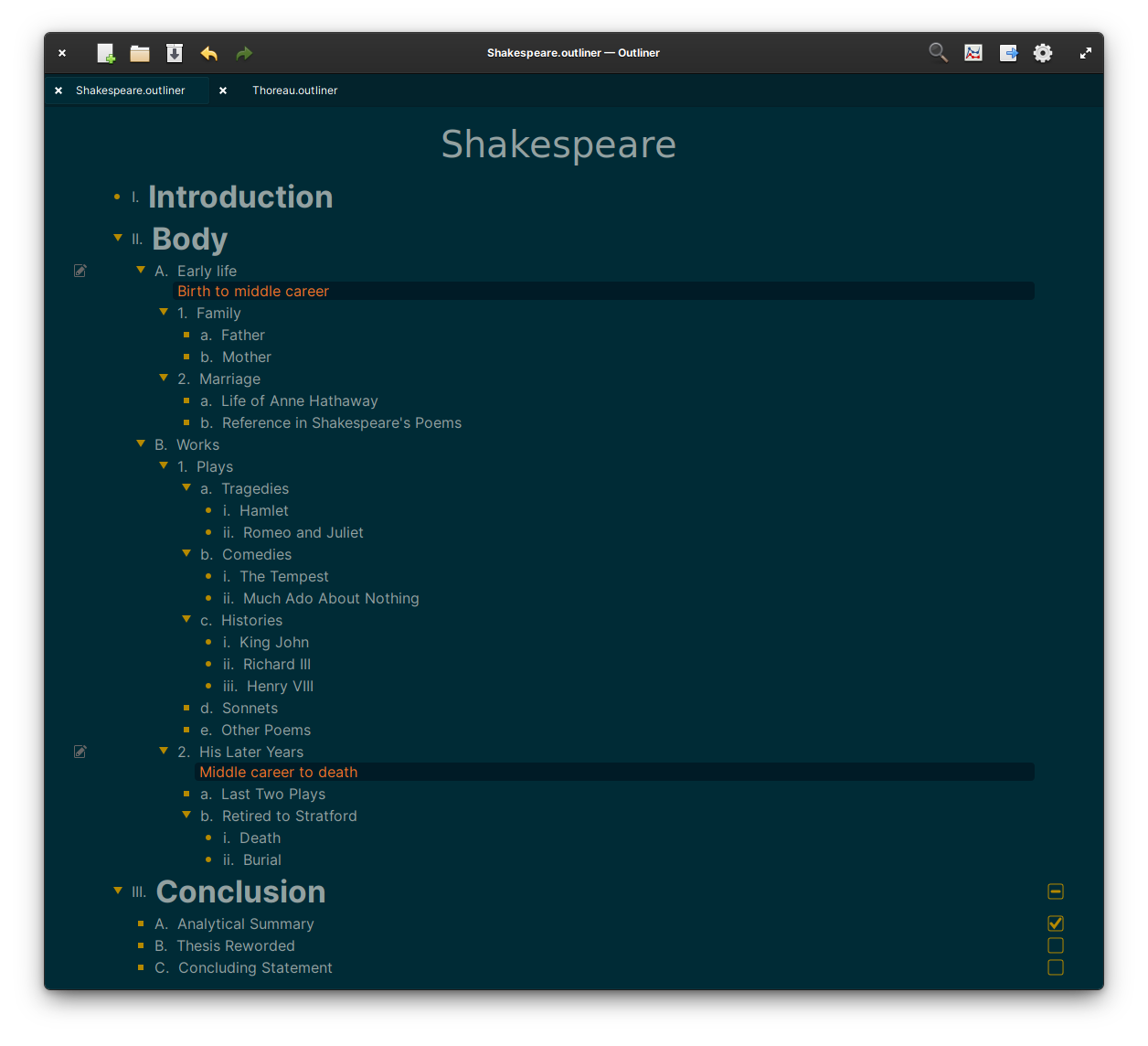
Quickly create outlines and export them in a number of useful formats.
- Quickly create and navigate outlines using the keyboard or mouse.
- Full support for rich text formatting and/or Markdown formatting.
- Add notes to any outline text.
- Add tags to any outline row.
- Add checkboxes to any or all outline text.
- Close/Hide any group within the outline for increased focus.
- Quick search and replace of any text within the document, including notes.
- Optionally focus on a portion of the document at a time when editing.
- View document statistics such as character count, word count, row count and task information.
- Support for showing depth lines.
- Unlimited undo/redo of any change.
- Automatically saves in the background.
- Open multiple outlines with the use of tabs.
- Built-in themes.
- Support for changing fonts within a document.
- Import from Minder and OPML.
- Export to HTML, Markdown, Minder, OPML, Org-Mode, PDF and PlainText.
- Printer support.
These dependencies must be present before building:
mesonvalacdebhelperlibgranite-7-devlibcairo-devlibgtk-4-devlibxml2-devlibwebkitgtk-6.0-devlibmarkdown2-devlibarchive-devpandoc
Use the App script to simplify installation by running ./app install-deps
Use Git to download Outliner to your local directory:
> git clone git@github.com:phase1geo/Outliner.git
> cd Outliner
Make sure that all dependencies are installed and install the application from the source to an executable binary (called com.github.phase1geo.outliner)
> ./app install-deps && ./app install
If you want to build and install the Flatpak for elementary (based on the io.elementary.Sdk, version 8.2), run the following command instead:
> ./app elementary
If you want to build and install the Flatpak for Flathub (based on the com.gnome.Sdk, version 49), run the following command instead:
> ./app flathub
After installing one of the above Flatpak builds, you can run the Flatpak from the terminal using the following command:
> ./app run-flatpak
The following command will uninstall the installed executable.
./app uninstall
Refer to the flatpak command for uninstalling an installed Flatpak.
Outliner includes a script to simplify the development process. This script can be accessed in the main project directory through ./app.
Usage:
  ./app [OPTION]

Options:
  clean             Removes build directories (can require sudo)
  generate-i18n     Generates .pot and .po files for i18n (multi-language support)
  install           Builds and installs application to the system (requires sudo)
  install-deps      Installs missing build dependencies
  run               Builds and runs the application
  test              Builds and runs testing for the application
  test-run          Builds application, runs testing and if successful application is started
  uninstall         Removes the application from the system (requires sudo)
  elementary        Builds and installs the elementary Flatpak
  flathub           BUilds and installs the Flathub Flatpak
  run-flatpak       Runs the currently installed Flatpak
This project is licensed under the GPL-3.0 License - see the LICENSE file for details.