




Mnemo is a fully modular, cross-platform learning platform built with Avalonia 11 and .NET 10.
It brings flashcards, notes, mind maps, learning paths, games, and more into one focused app.
No subscriptions. No ads. No tracking. Ever.
Mnemo is designed to be:
- Extensible: Features are built as modular parts that can grow independently.
- Customizable: Themes, languages, fonts, colors, sizing, and localization can all be adjusted.
- Cross-platform: Runs on Windows, macOS, and Linux.
- Accessible: Includes support features aimed at making learning more inclusive.
|
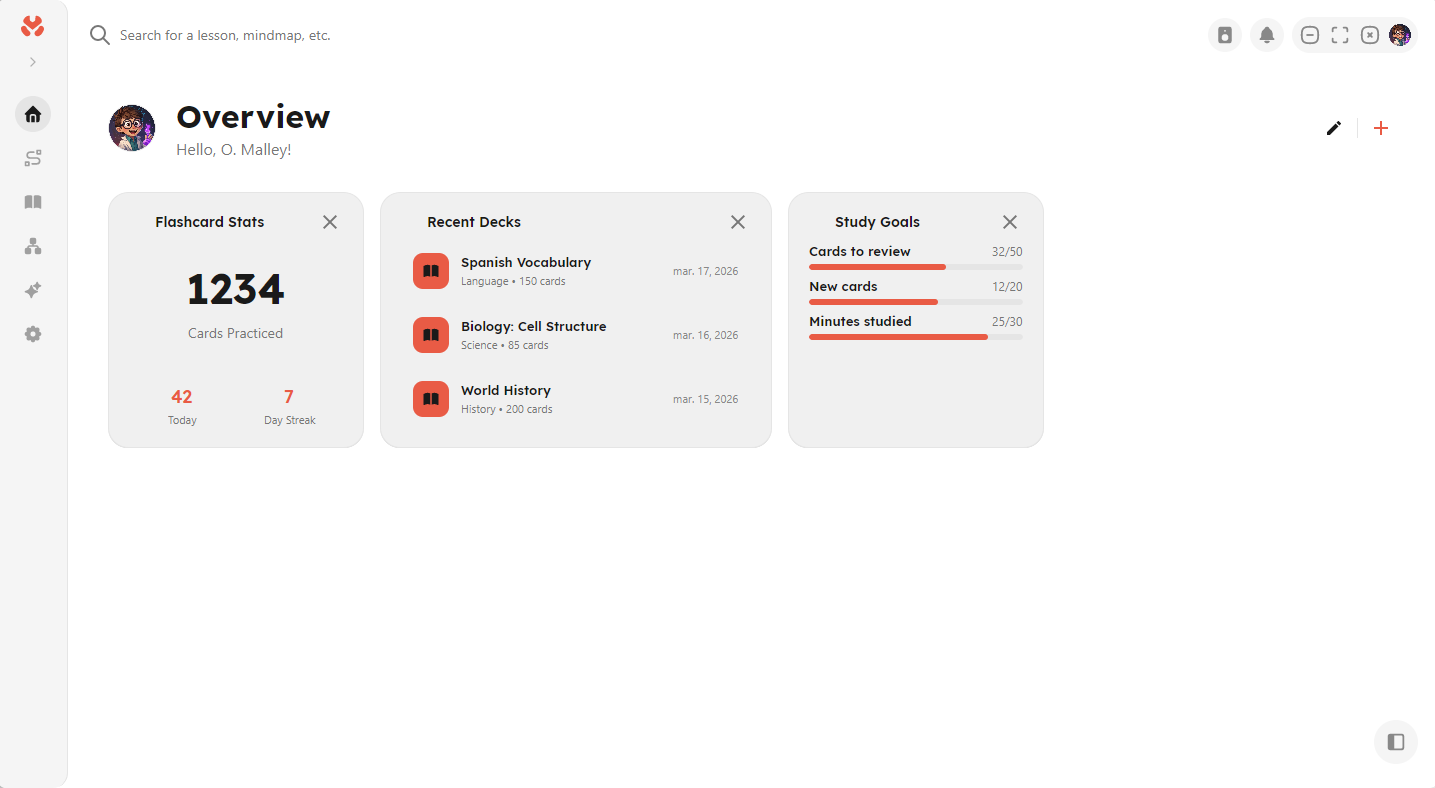
Overview |
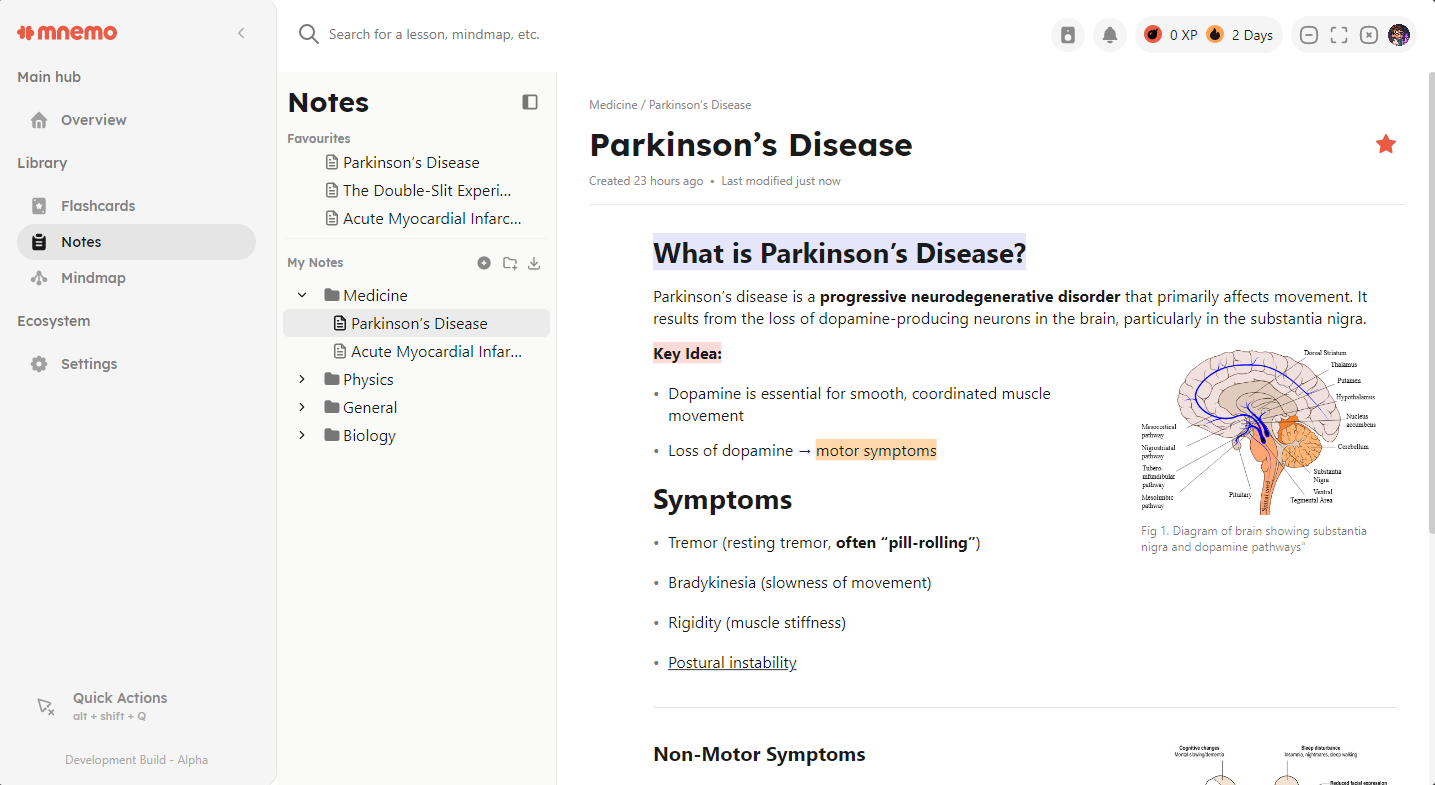
Notes Editor |
|
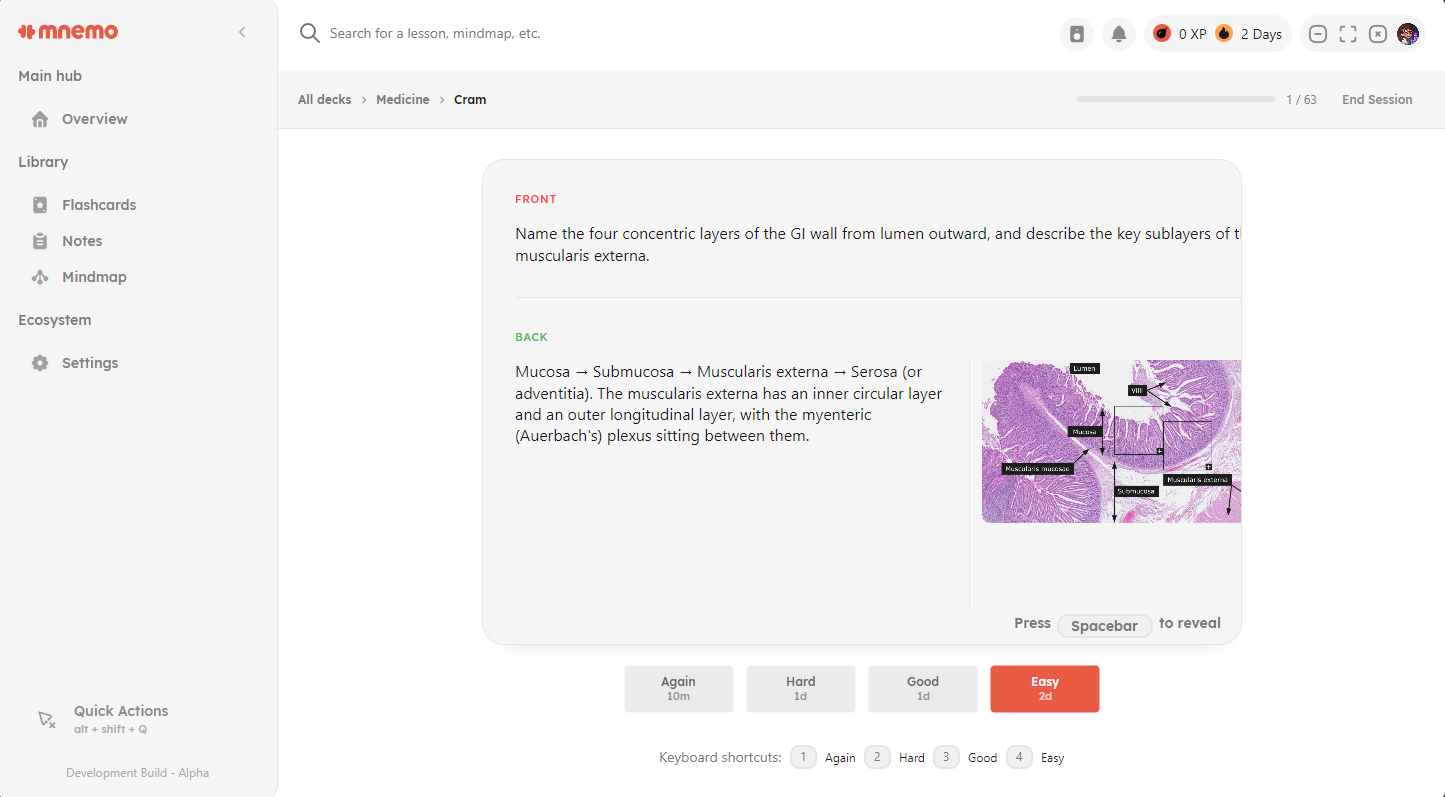
Flashcards Module |
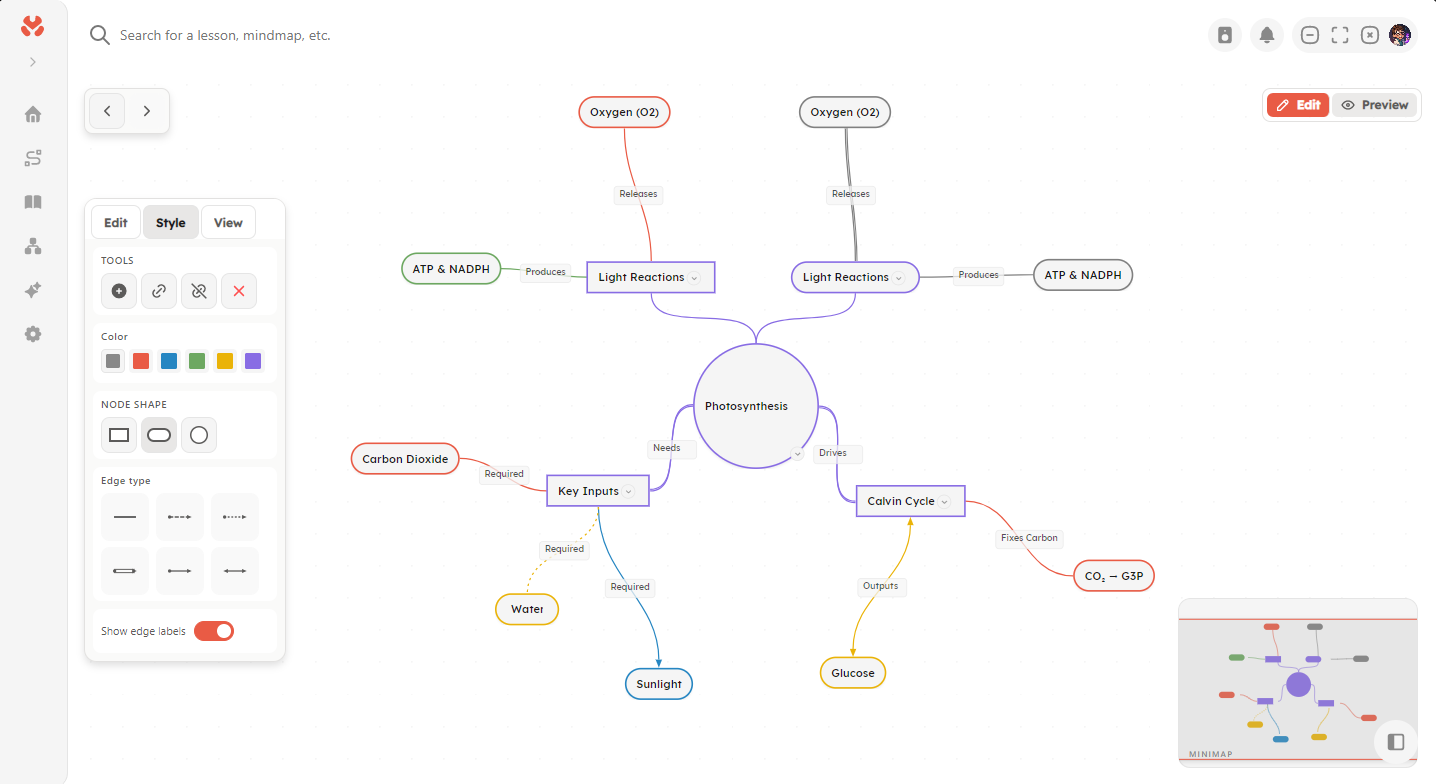
Mindmap |
Mnemo is under active development and not yet feature-complete.
What works today:
- Core application shell and navigation
- Mindmaps
- Block based notes editor
- Flashcard module with various algorithms
- Basic Widget system
- Theming, settings, and localization infrastructure
- AI-Powered Text Generation: Local LLM support via LLamaSharp with CUDA acceleration
- Knowledge Management: Vector-based RAG (Retrieval-Augmented Generation) with semantic search and embeddings
- Learning Paths: AI-generated personalized learning paths from your knowledge base
- Rich Text: Markdown support with custom LaTeX rendering for mathematical expressions
- Modular Architecture: Extensible module system with auto-discovery
- Theming: Customizable themes
- Localization: Multi-language support infrastructure
- Modules:
- Overview: Dashboard and welcome screen
- Notes: Rich text note-taking with block-based editor
- Chat: AI-powered conversational interface
- Mindmap: Visual knowledge mapping
- Path: Learning path creation and management
- Settings: Comprehensive application configuration
Note: Many features are under active development and may be incomplete or disabled in current builds.
- Flashcards with spaced repetition algorithms (Anki, Quizlet...)
- Text notes and organization tools
- Mindmaps to visualize concepts
- Learning paths structured ways to learn
- Games powered by the same engine as Stardew Valley (known as Monogame)
- Explore a place to download games, extensions, themes, languages etc.
- Progress analytics track your study progress
- Extension development create fully integrated extensions
- Read Aloud, Audio Review, AI-generated video lessons (done locally)
Mnemo is organized into three main layers, each with a clear responsibility:
- Mnemo.Core: Shared models, interfaces, and application contracts. This layer has no external dependencies and serves as the foundation of the application.
- Mnemo.Infrastructure: Concrete implementations for core services, including AI integration, storage, and knowledge management.
- Mnemo.UI: The Avalonia-based presentation layer, responsible for the user interface and user interactions.
MnemoApp/
├── Mnemo.Core/              # Shared models, interfaces, and contracts
│   ├── Models/              # Domain and data models
│   └── Services/            # Service abstractions
├── Mnemo.Infrastructure/    # Service implementations
│   └── Services/            # AI, storage, and knowledge services
└── Mnemo.UI/                # Avalonia UI application
    ├── Components/          # Reusable UI components
    ├── Modules/             # Self-contained feature modules
    ├── Services/            # UI-specific services
    └── Themes/              # Styling and theme resources
This separation keeps the application easier to maintain, test, and extend as new features are added.
- .NET 10.0: Core runtime and C# platform
- Avalonia UI 11.3.6: Cross-platform desktop UI
- LLama.cpp: Local LLM inference
- ONNX Runtime: Experimental support for embedding model inference
- SQLite: Local storage for app data and vectors
- Markdig: Markdown parsing and rendering
- CommunityToolkit.Mvvm: MVVM helpers and source generators
- Custom tooling: Several purpose-built systems and implementations tailored to the app
- .NET 10.0 SDK
- Windows, Linux, or macOS
- For CUDA acceleration (optional): NVIDIA GPU with CUDA 12.x support
# Build the solution
dotnet build MnemoApp.sln

# Run the application
cd Mnemo.UI
dotnet run-
Download the latest release from GitHub. (This link will navigate you away)
-
Choose the installer for your operating system:
- Windows:
.exe - Linux:
.AppImage - macOS:
.pkg(currently untested)
- Windows:
-
Open the installer.
-
Follow the setup instructions to install Mnemo.
For a step-by-step guide, see the installation documentation.
See coding-standard.md for detailed coding standards and architecture guidelines.
Project documentation is available here.
- MVVM pattern: Keep business logic in ViewModels and make Views focused on presentation.
- Dependency injection: Register services through the DI container so dependencies stay easy to manage.
- Async/await: Use asynchronous calls for all I/O work to keep the app responsive.
- Modular design: Build features as self-contained modules that can be discovered automatically.
- Interface-based services: Define services with interfaces to make testing and swapping implementations easier.
Contributions are welcome! Please read the coding standards before submitting pull requests.
If you're new to the project, look for issues labeled good first issue.
This project is licensed under the Apache License 2.0 License - see the LICENSE file for details.
"Education is not the learning of facts, but the training of the mind to think."
— Albert Einstein