Lode is an open source Electron-based universal test runner graphical user interface. It is written in TypeScript and Vue.
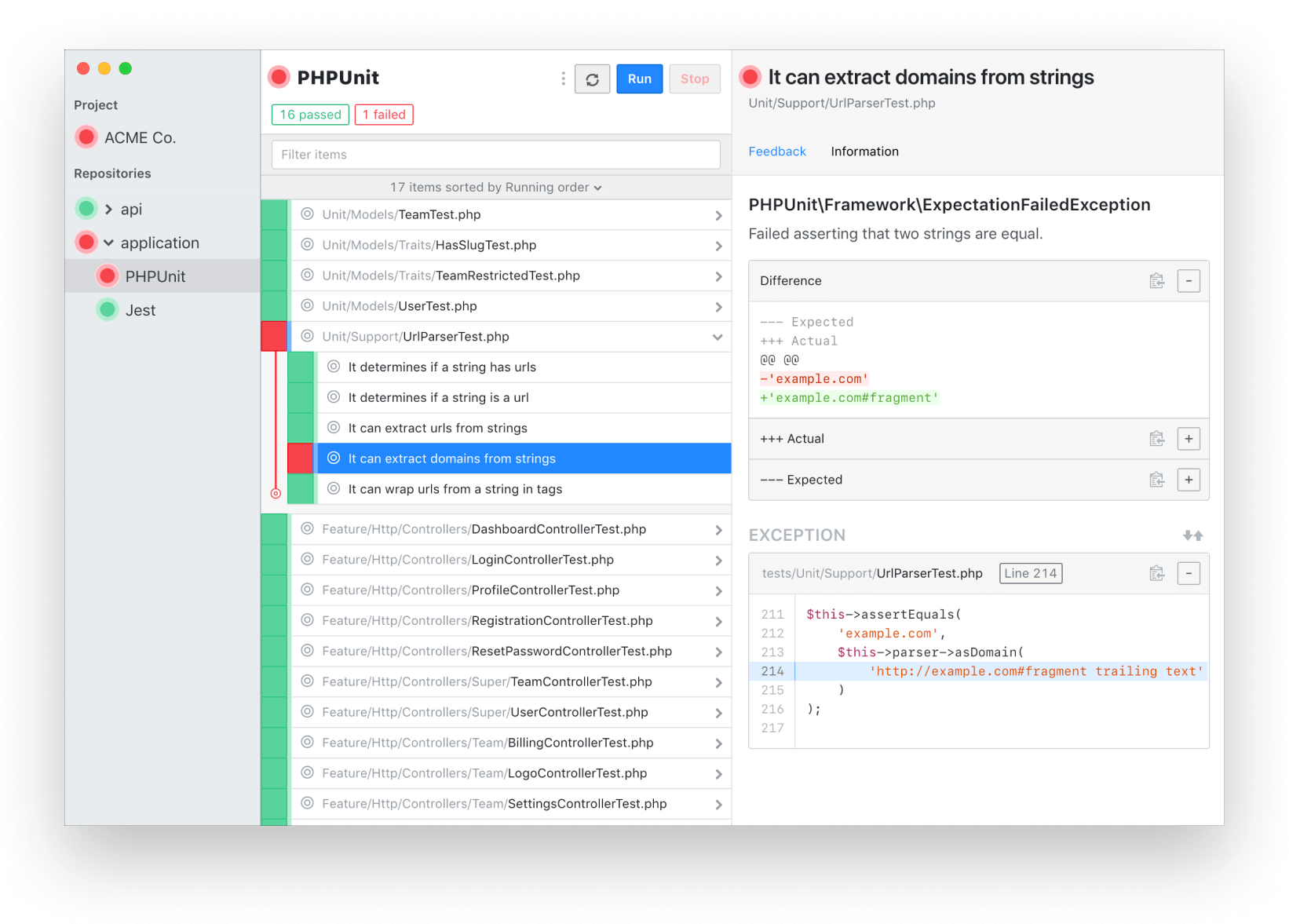
You can download the latest pre-packaged version here or choose a version from the releases page. For instructions on how to use the software, see the documentation.
Lode currently supports the following testing frameworks:
To run it locally, you must first clone this repository and run the following commands:
npm install
npm run dev
Afterwards, to build an application package for the current platform, run the following:
npm run buildAlternatively, you can pack and execute the application directly, which is useful to debug issues that might not occur in development mode. Note that because production state is encrypted, the existing development state will not work:
npm run simulateTo inspect Vue components and Pinia stores during development, start the standalone Vue DevTools server in a separate terminal before launching the app:
npm run devtools # Start the Vue DevTools standalone server
npm run dev      # Then start the app in another terminal
The app automatically detects whether the DevTools server is running on startup. If it is, it connects; if not, it starts normally with no retries. You can check the renderer console for connection status.
The Lode codebase has two sets of tests: Jest for the main process and Playwright for the renderer process.
npm test # Unit tests
npm run test:e2e # Playwright E2E tests
npm run test:playwright # Open the Playwright UI
Because the Lode application enforces context isolation, we are able to run the renderer process without the need for Node.js APIs, and since Electron's API is accessed through the preload scripts using a centralized Lode object, we can easily mock their behavior for testing with Playwright.
If you're just getting started with Electron development, I would strongly recommend adhering to context isolation. Not only it's essential for a secure application, it also gives you a clear boundary for testing the main and renderer processes separately, as Lode does.
Code is licensed under the MIT license.
Usage of the software is bound to its own terms and conditions.