
FlipPar is a Flipper Zero external app for tracking golf or disc golf rounds on-device. It lets you set the number of holes and players, rename players, record par and score values hole-by-hole, and export a plain-text score sheet to the SD card.
| Release Download |
|---|
Ready to install on your Flipper? Download the packaged .fap build from the latest release: FlipPar Main Release |
- Supports 1 to 27 holes
- Supports 1 to 10 players
- Editable player names
- Per-hole par tracking
- Per-player hole scores
- Automatic current-round persistence and restore
- Running total view with leader summary relative to par
- Plain-text score-sheet export to the SD card
- In-app lock screen for quickly hiding the current round
| Splash | Setup 1 |
|---|---|
 |
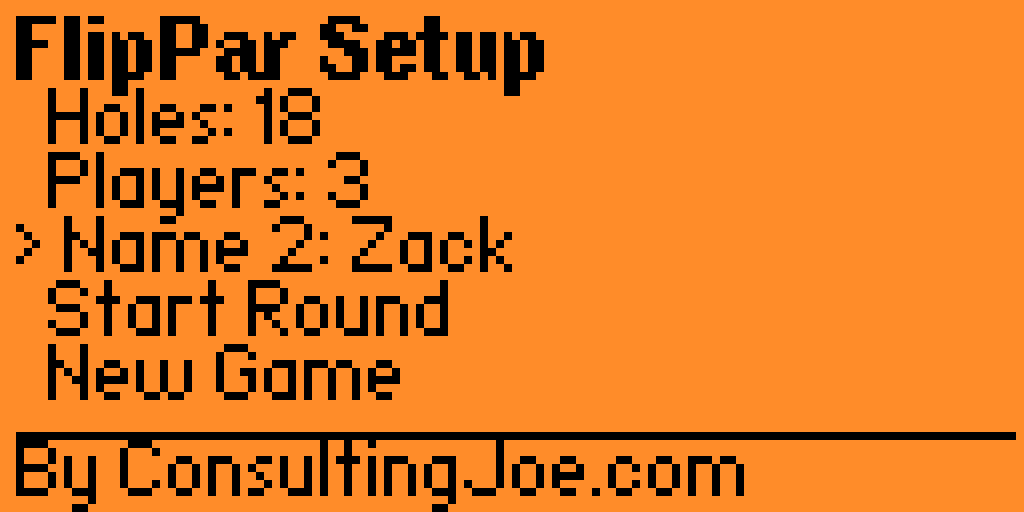 |
| Startup splash while the app initializes. | First setup screen with round options and quick actions. |
| Setup 2 | Main |
|---|---|
 |
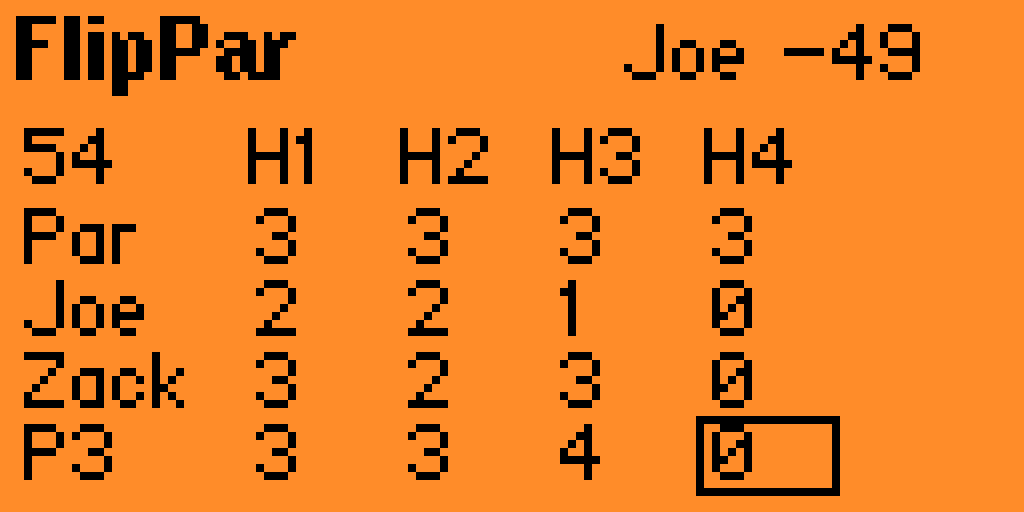 |
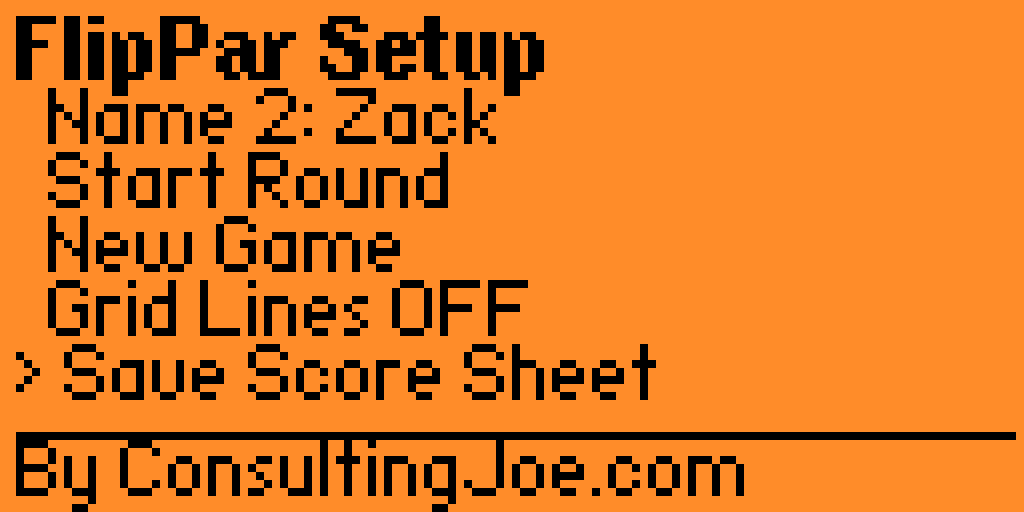
| Second setup screen with additional round actions and export options. | Main round view before switching to the full score grid. |
| Grid | Totals |
|---|---|
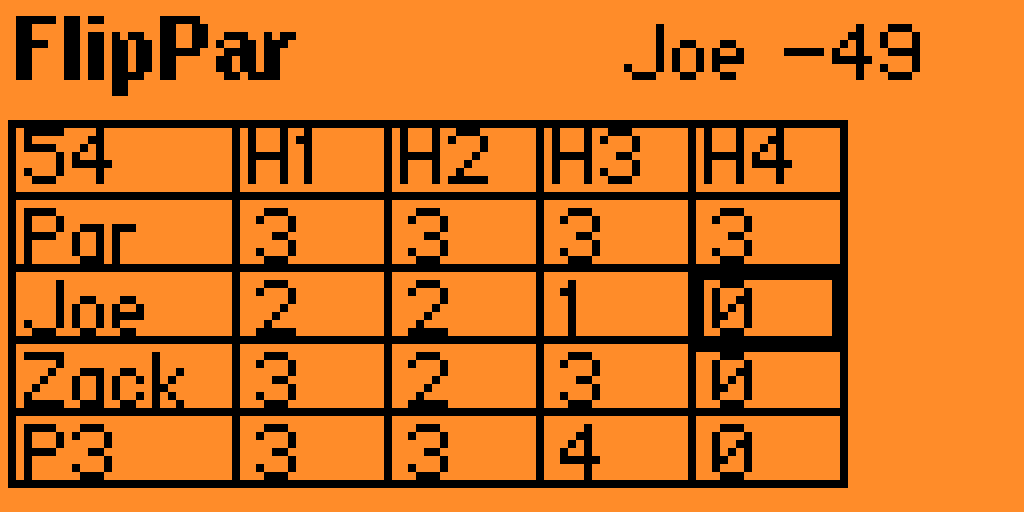 |
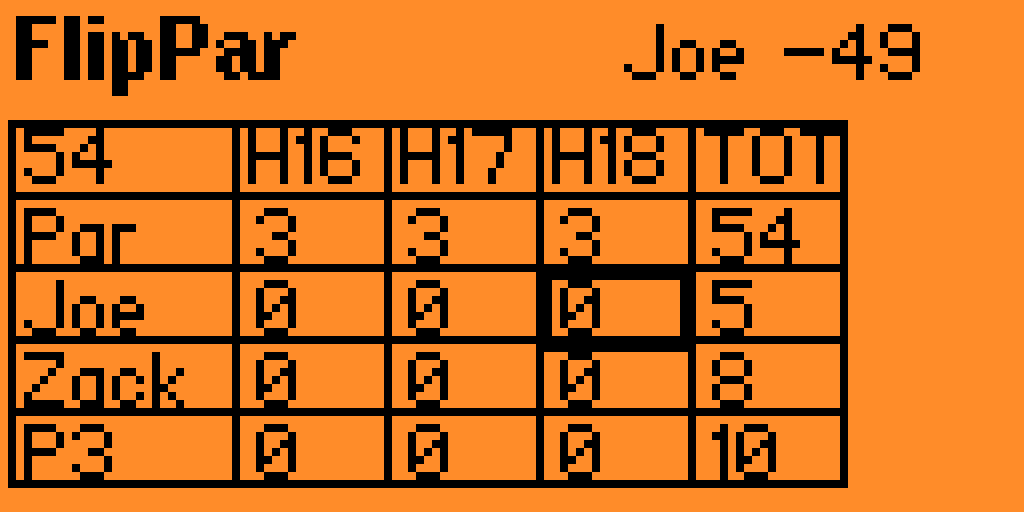 |
| Hole-by-hole score entry with par and player rows. | Running totals with the leaderboard relative to par. |
Up/Down: move between setup fieldsLeft/Right: change holes, players, or selected player name slotOKonName: open the text editor for that playerOKonStart Round: begin score entryOKonNew Game: clear the current scorecard after confirmationOKonSave Score Sheet: export the current roundOKonLock Screen: show the last played hole summary and require 3Backpresses to exit
Left/Right: move between holesUp/Down: move between par row and player rows- Short
OK: increase the selected par or score value - Long
OK: decrease the selected par or score value Back: return to setup
Exported score sheets are written to:
/ext/apps_data/flippar
Files are created with a date-and-time-based name such as:
FlipPar_2026-3-31_14-05-09.txt
If a file for that exact timestamp already exists, FlipPar appends a numeric suffix.
The in-progress round is also auto-saved to:
/ext/apps_data/flippar/current_round.bin
That file is used to restore the current scorecard if the app is closed and reopened.
flippar.c- main application sourceapplication.fam- Flipper Zero app manifesticon.png- Flipper package icon; must be10x10assets/splash_128x64.png- bundled splash image shown at startup
This repository contains a standard Flipper Zero external app layout:
application.famdefines the app metadata and entry pointflippar.ccontains the app implementation
To build it, place this project in your Flipper Zero firmware external-apps workflow and compile it with your preferred Flipper build toolchain. If you already build external .fap apps, this project is ready to drop into that process as-is.
This repo also includes a helper script, build.ps1, that mirrors this project into your firmware tree and runs fbt.
Default usage:
.\build.ps1Preview the sync without copying, deleting, or building:
.\build.ps1 -PreviewSyncOverride the source or target directories explicitly:
.\build.ps1 `
  -SourceDir C:\Users\Joe\Projects\FlipPar `
  -FirmwareDir C:\Users\Joe\Projects\flipperzero-firmware `
  -TargetDir C:\Users\Joe\Projects\flipperzero-firmware\applications_user\flippar
The script prints the resolved SourceDir, FirmwareDir, TargetDir, and AppSrc before syncing. It also refuses to mirror if the target is the same as the source or if the target is outside the selected firmware directory.
If you copy this app into applications_user/flippar, copy the whole folder contents except .git and README.md. The required image files are:
icon.pngat the app rootassets/splash_128x64.pngin the assets folder
After building:
- Copy the generated
.fapto your Flipper Zero SD card. - Launch
FlipParfrom the Apps menu.
- Default round setup is 18 holes and 2 players.
- Default player names are
P1throughP10. - Par and score values are clamped between
0and99.
Created by ConsultingJoe.