


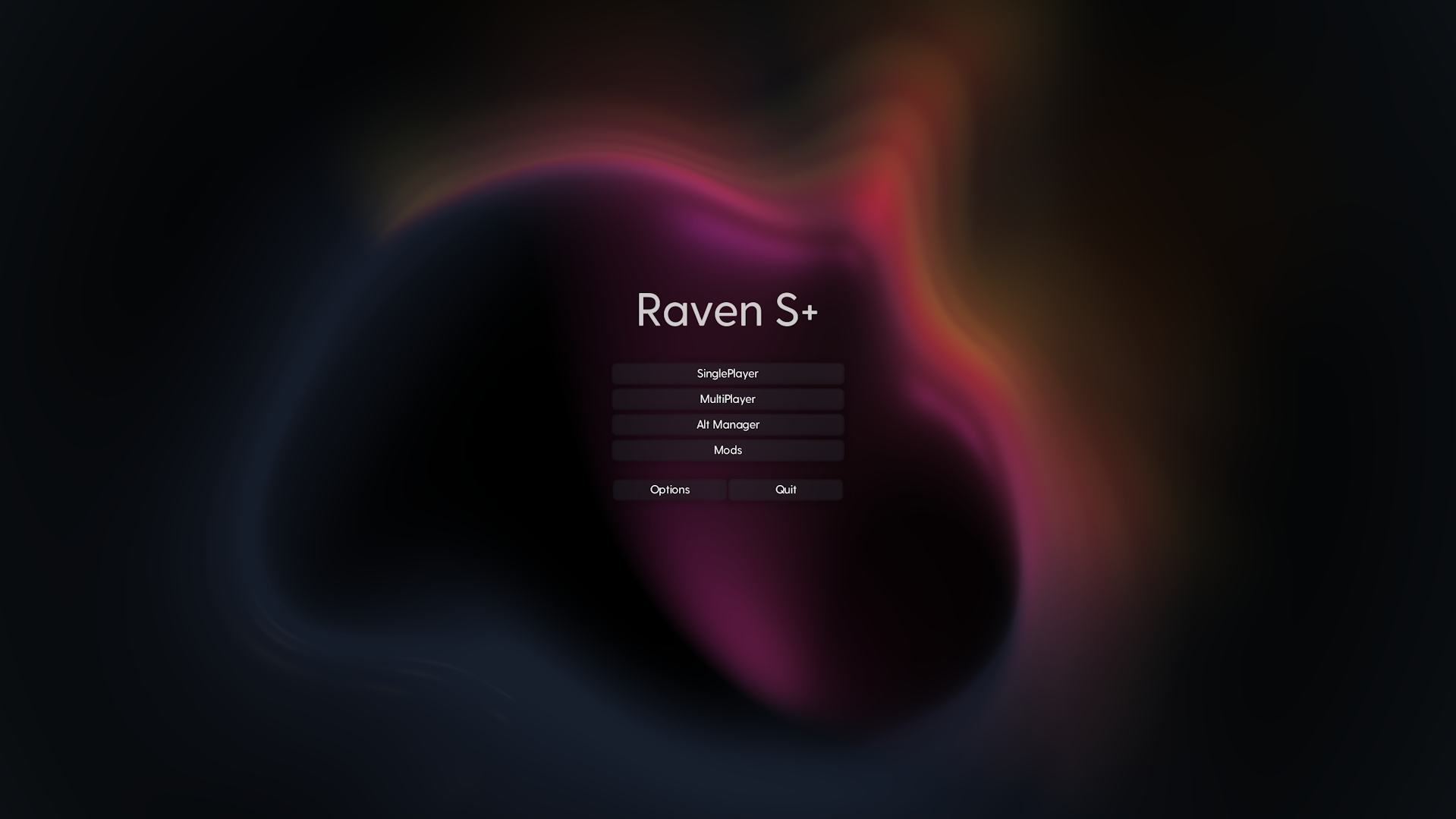
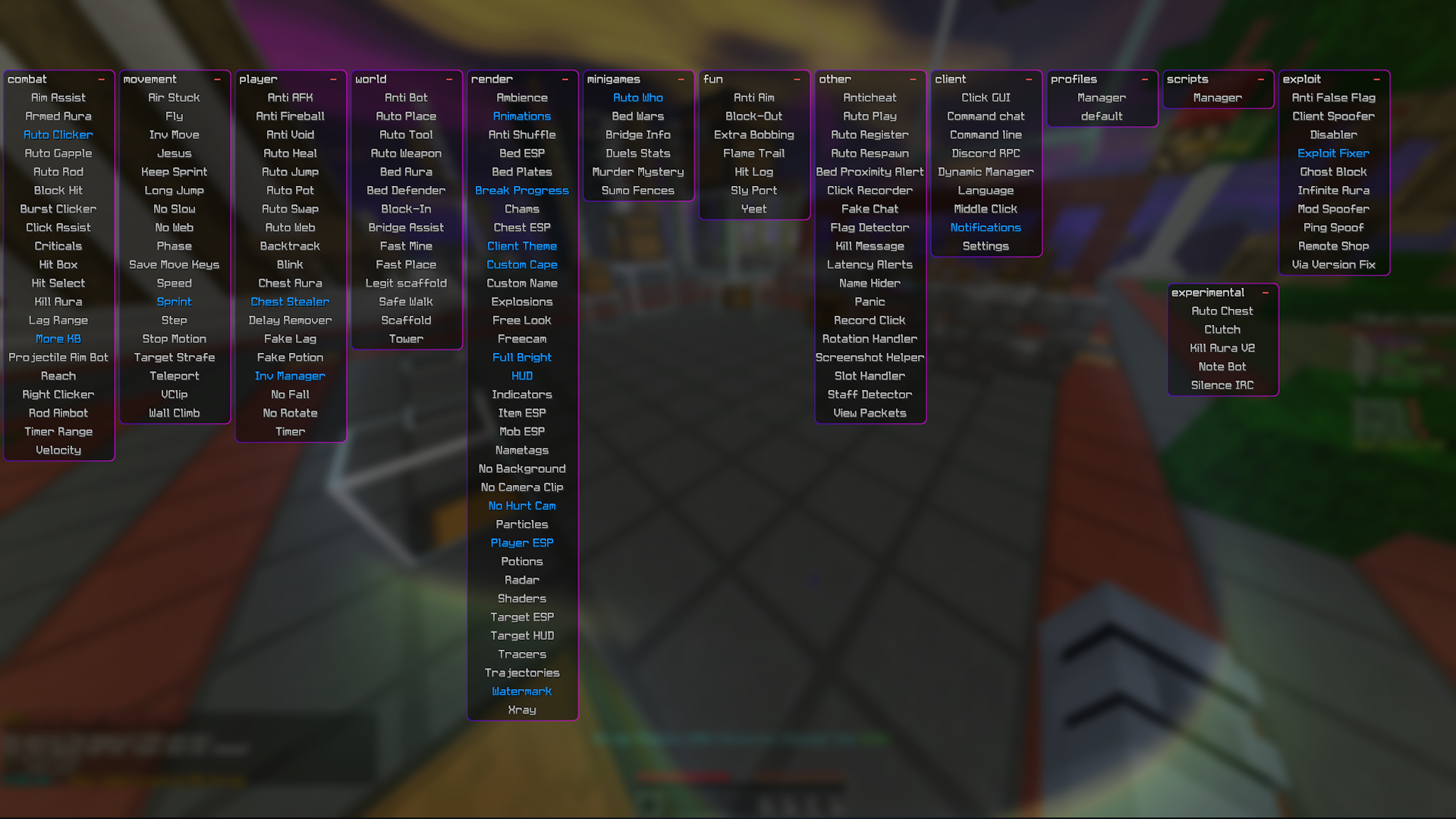
-
Download and Install Java SDK version 8:
- Download from Java SDK version 8.
- Install it and set the
JAVA_HOMEenvironment variable to the installation directory.
-
Verify Java Installation:
- Open a terminal or command prompt.
- Run
java -version. - Ensure the output contains
openjdk version "1.8.0_{...}".
-
Install Gradle 4.7:
- Download from Gradle 4.7.
- Follow the "Installing manually" guide on the Gradle wiki.
-
Clone the Repository:
- Run the following commands in the terminal or command prompt:
git clone --recursive https://github.com/java7594/Raven-SPlus.git
cd Raven-SPlus
- Run the following commands in the terminal or command prompt:
-
Set Up the Project:
- Run the following commands to set up the Gradle wrapper and the development environment:
gradlew.bat
gradle wrapper
gradlew build
- Run the following commands to set up the Gradle wrapper and the development environment:
-
Build Success:
- If all steps complete without errors, the project is successfully built.
- Powered by Cursor AI
- Cryptix (Discord server): Alt Manager auth flow, Hypixel InvMove and AutoBlock (trillionaire begs for unbans)
- Eclipse (github.com/corona-cn/eclipse): Polar & Grim Disabler, Matrix Speed, Entropy, Interpolation, mouse sensitivity GCD/mouse step quantization (Check CoronaCN this guy's a sick person)
- FDPClient (fdpinfo.github.io): Alt Manager OAuth login, mouse sensitivity GCD/mouse step quantization, rotation point selection, (reference) startup splash screen flow/guard