Skip to content

Web interface

Atis Elsts edited this page Oct 1, 2020 · 1 revision

The TSCH-Sim web interface is started by running the script tsch-sim-web-interface.sh (tsch-sim-web-interface.bat on Windows).

It can also be started by passing a configuration file with WEB_ENABLED set to true as a command line argument.

The web interface consists of Express Node.js powered backend and a D3 and jQuery based frontend.
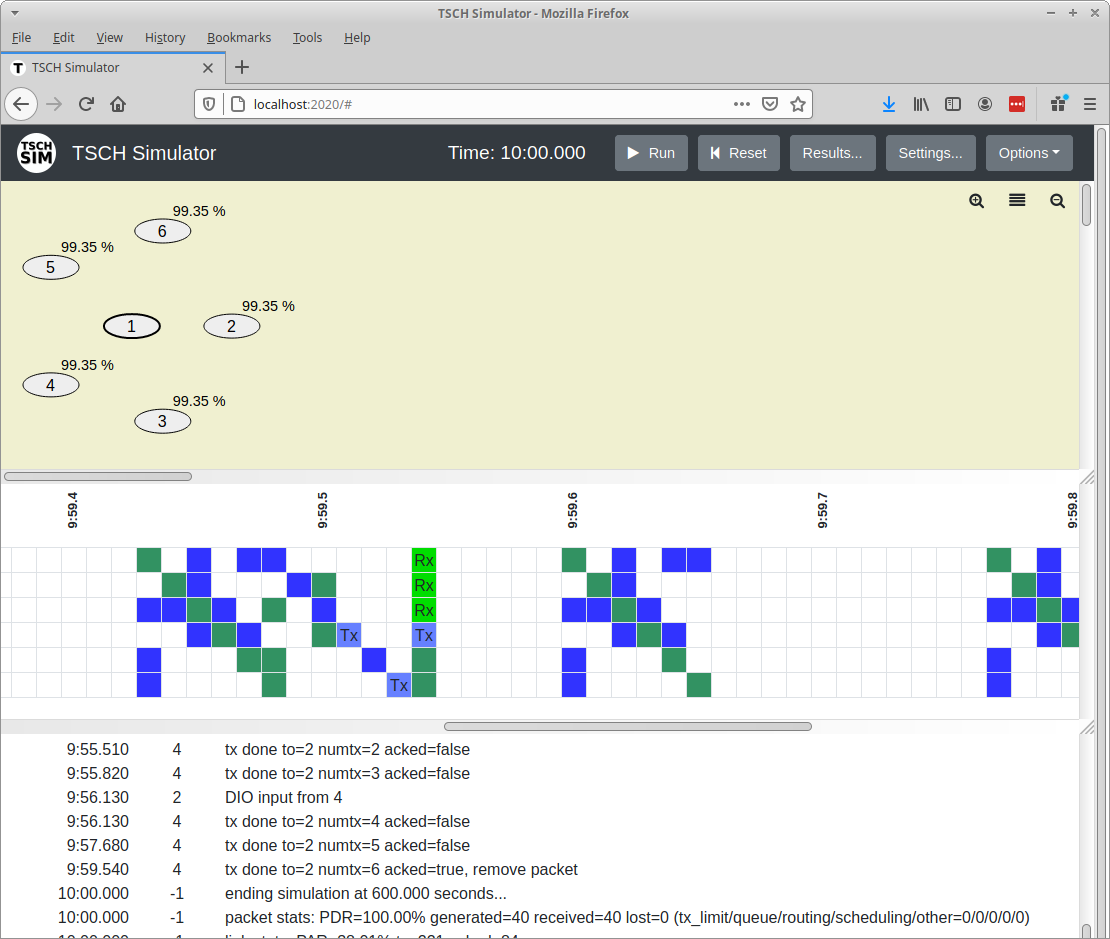
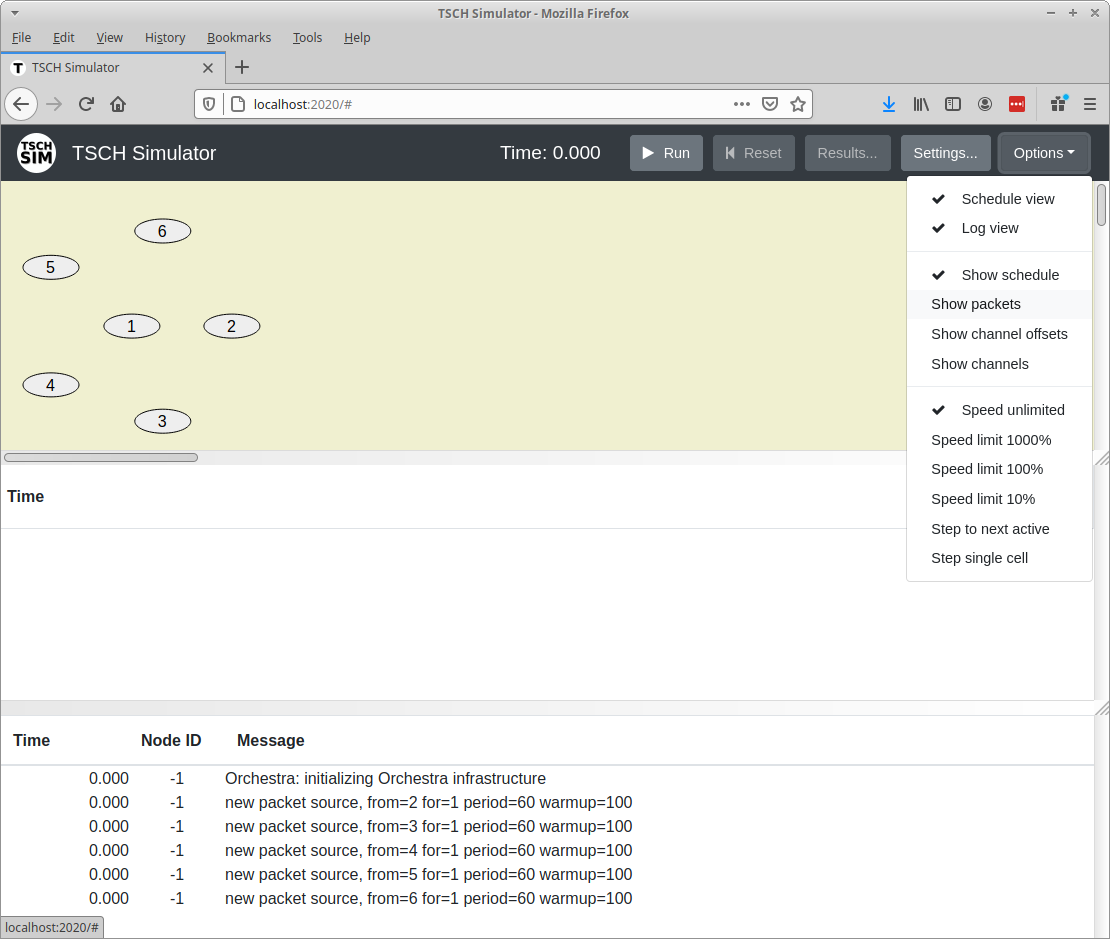
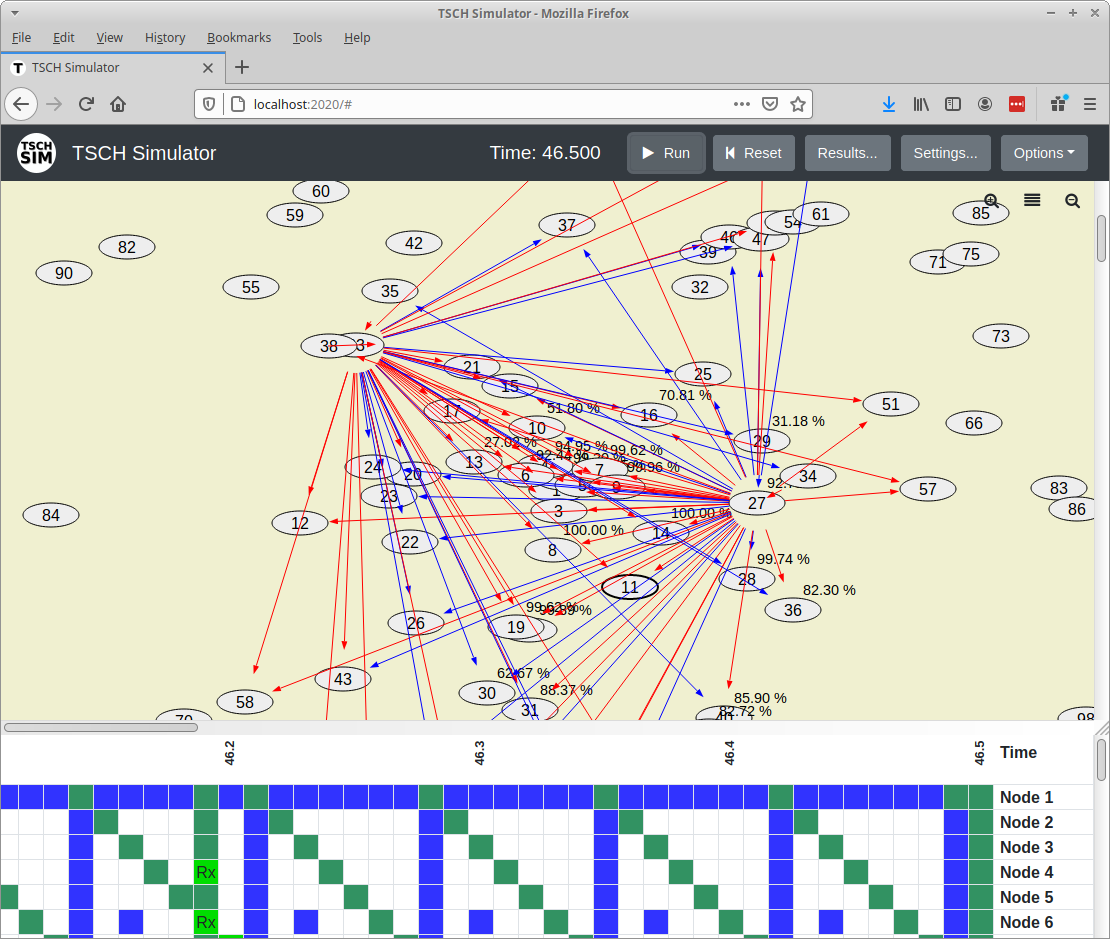
Visual interface of the TSCH-Sim simulator.

The "Options" dialog allows to configure the TSCH-Sim simulator web interface and execution speed.

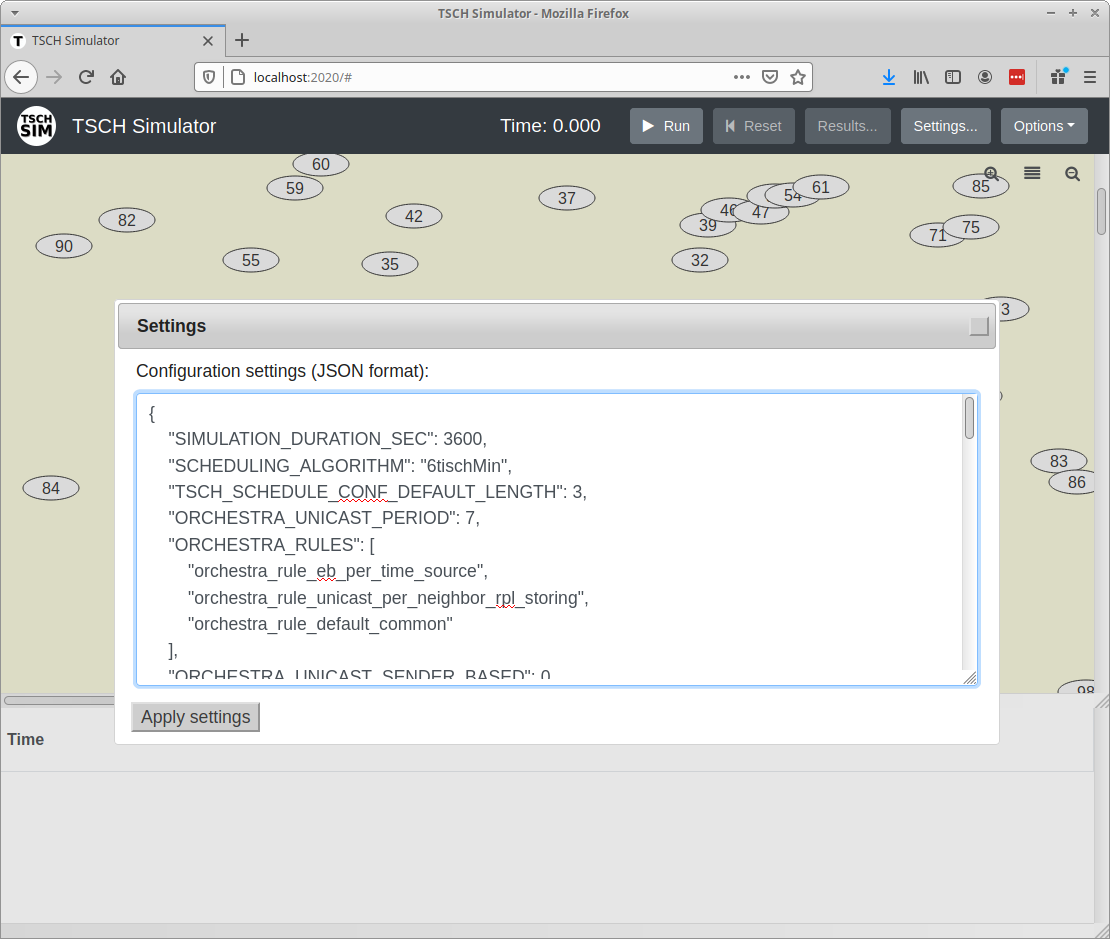
The "Settings" dialog allows to configure the TSCH-Sim simulator.

The main screen of the TSCH-Sim simulator shows link qualities (from the selected node) along with recent transmissions. Successful transmissions are shown in blue; failed ones in red.

Clone this wiki locally