


A powerful toolkit for Counter-Strike 2 Workshop Tools. Edit sound events, create smart props, build maps, manage keybindings, and customize loading screens.
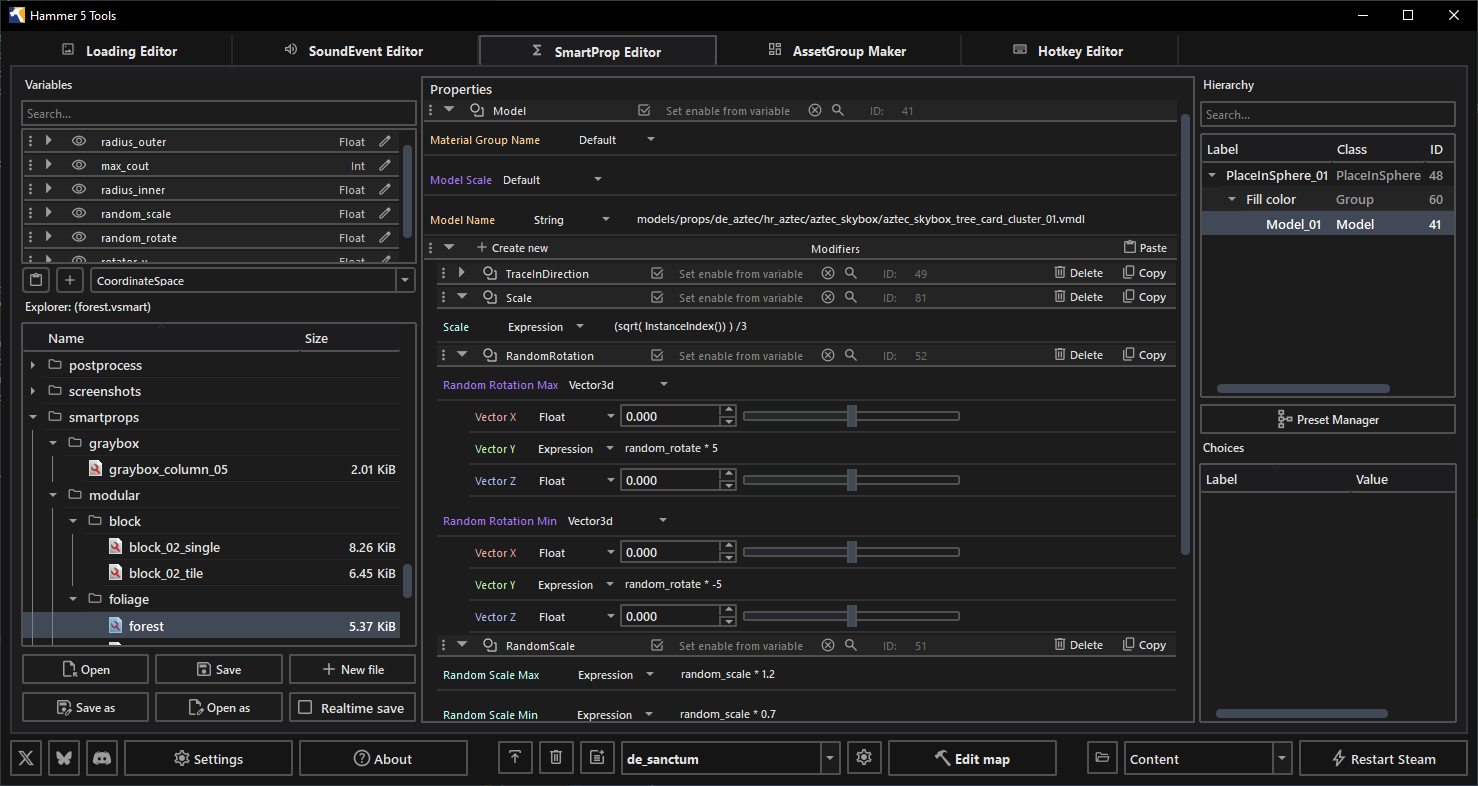
Edit .vsmart files using an intuitive interface. The tool supports all essential properties while maintaining compatibility with older formats. Modify properties in real-time to precisely adjust the position, rotation, and scaling of your models. Utilize presets to rapidly construct repetitive elements.
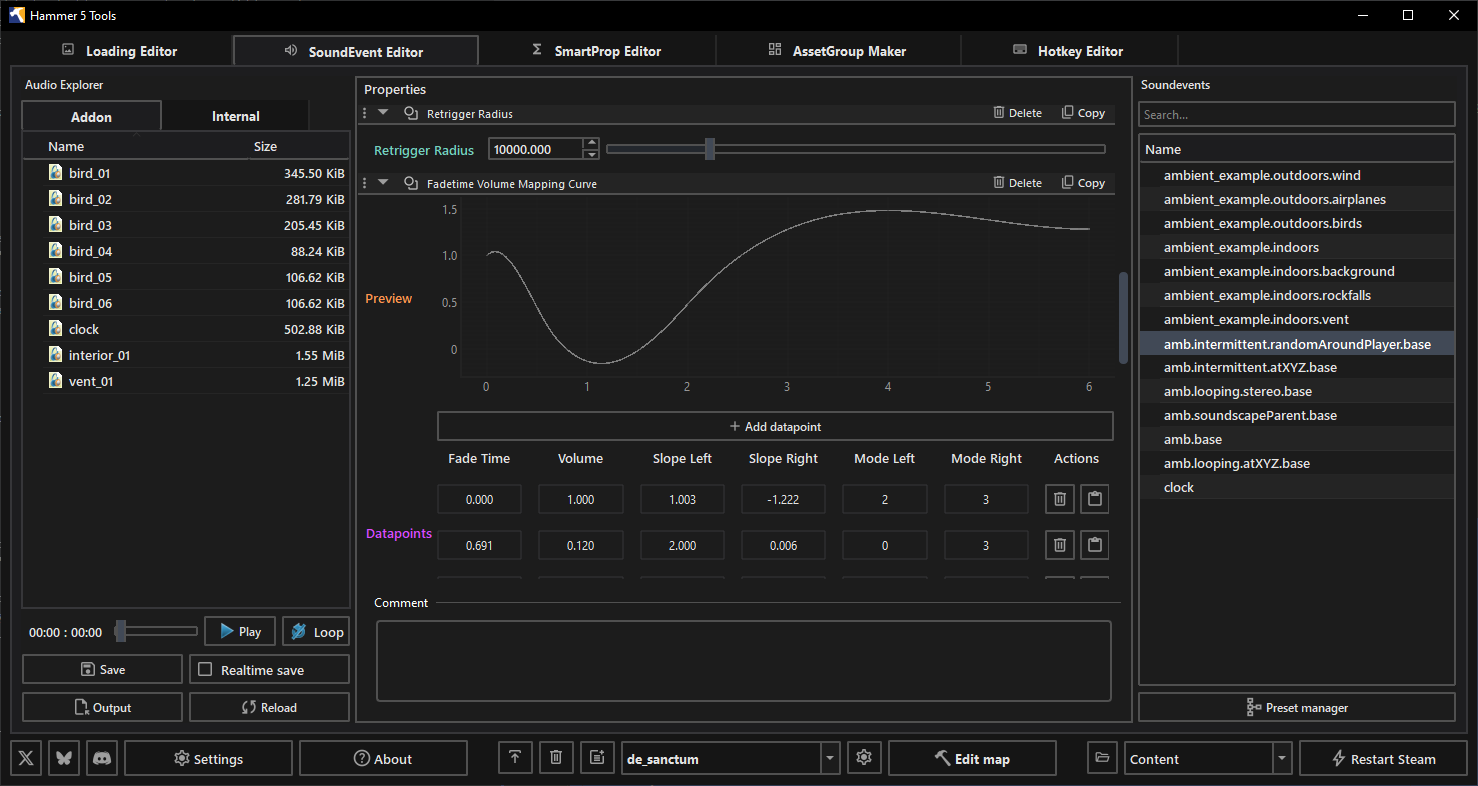
Manage in-game sounds seamlessly. The editor works directly with Counter-Strike 2 sounds (.vsnd files) and allows you to explore, preview, and configure sound events. Use presets to quickly set up sound events or define your own custom configurations. Edits the soundevents_addon.vsndevts file directly.
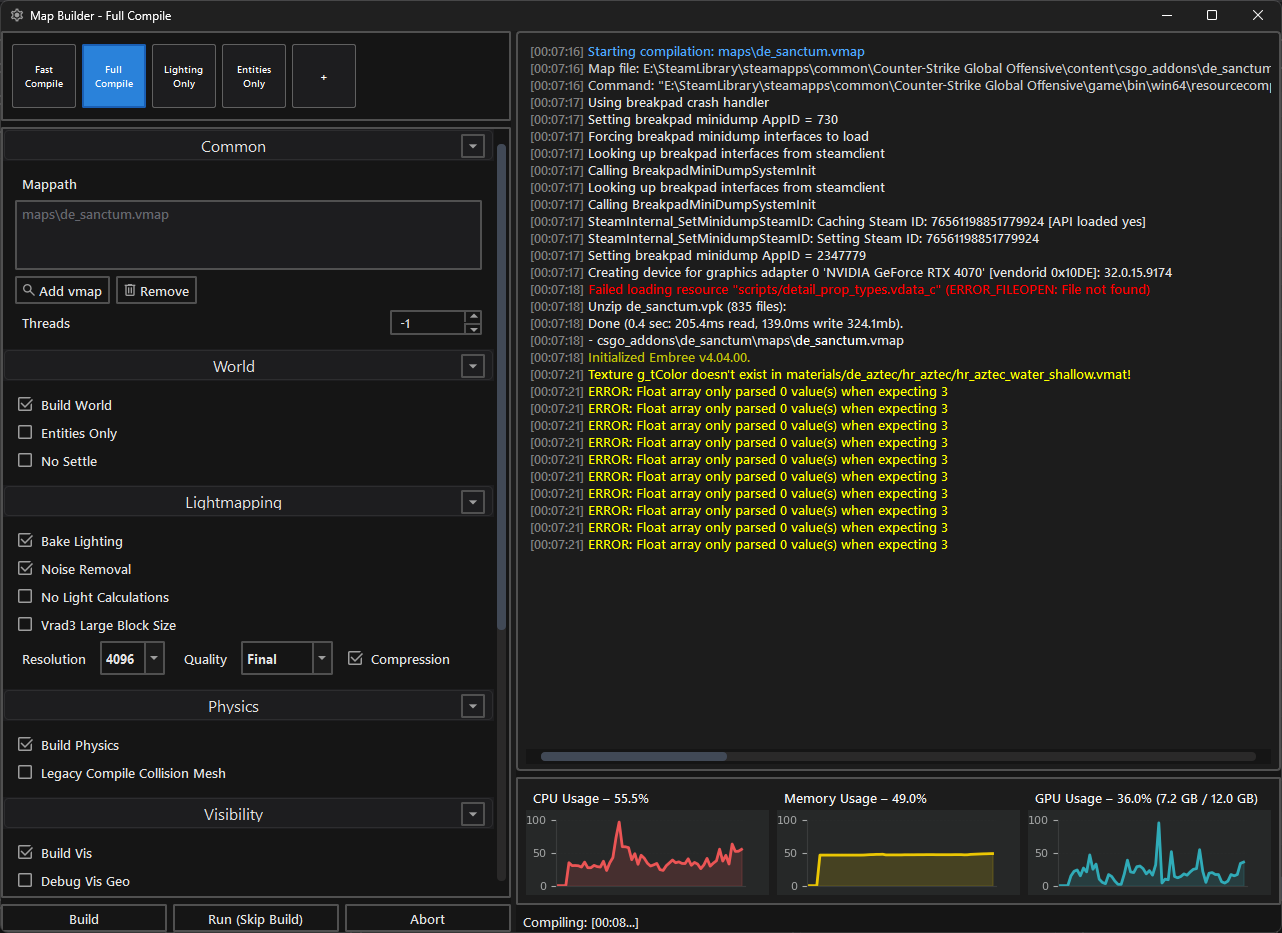
Streamline the map compilation process with a dedicated and powerful interface. Access fast, full, or custom compile options such as building geometry, visibility, or baking lighting. Configure settings like lightmap resolution and quality while monitoring CPU, RAM, and GPU usage during the build in real-time.
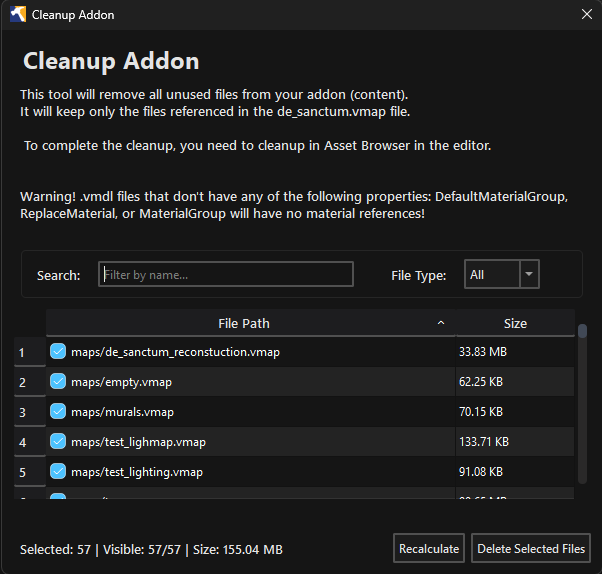
Effortlessly remove unused and redundant files from your addon's content folder. By scanning your project's .vmap file, the tool identifies and keeps only the actively referenced assets, freeing up valuable storage space and simplifying project management.
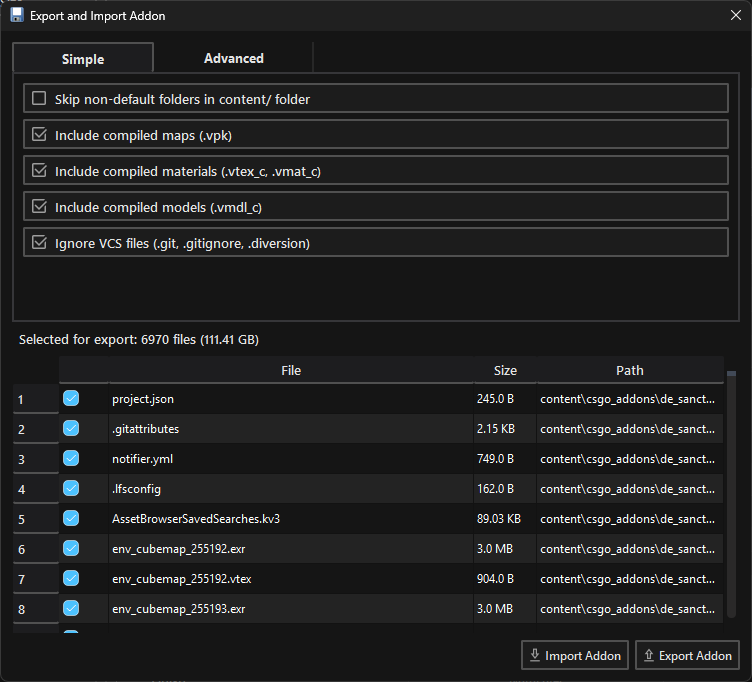
Simplify the distribution of your projects by exporting and importing entire addons seamlessly. Filter out unnecessary folders or VCS files, and include compiled maps, materials, or models effortlessly. Ideal for packaging your map for release or collaborating with other developers.
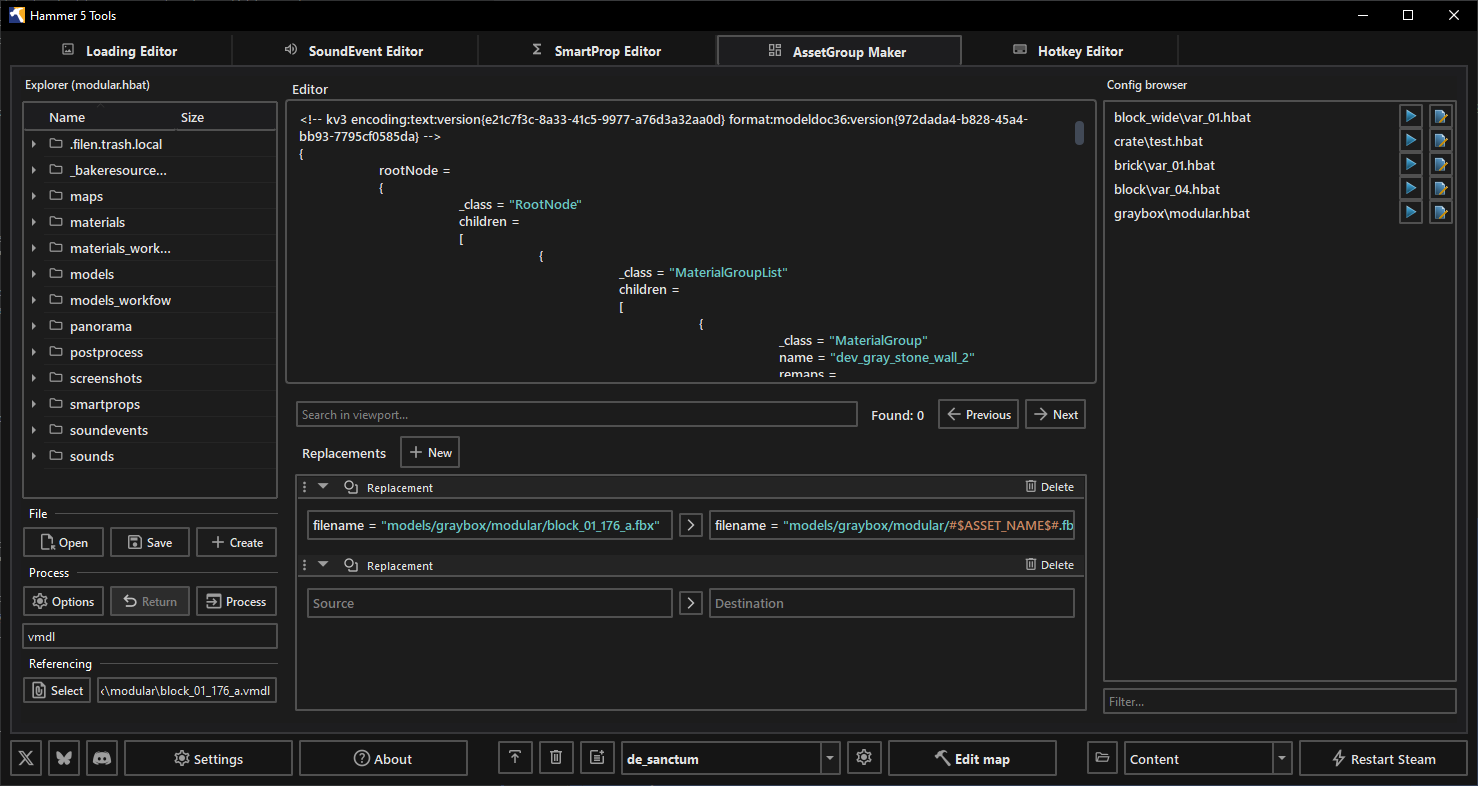
Batch-create assets for Source 2 effortlessly. By utilizing a straightforward configuration file and a folder scan, you can automatically generate files for massive asset sets. This ensures consistency across all your assets and drastically minimizes time spent on manual edits.
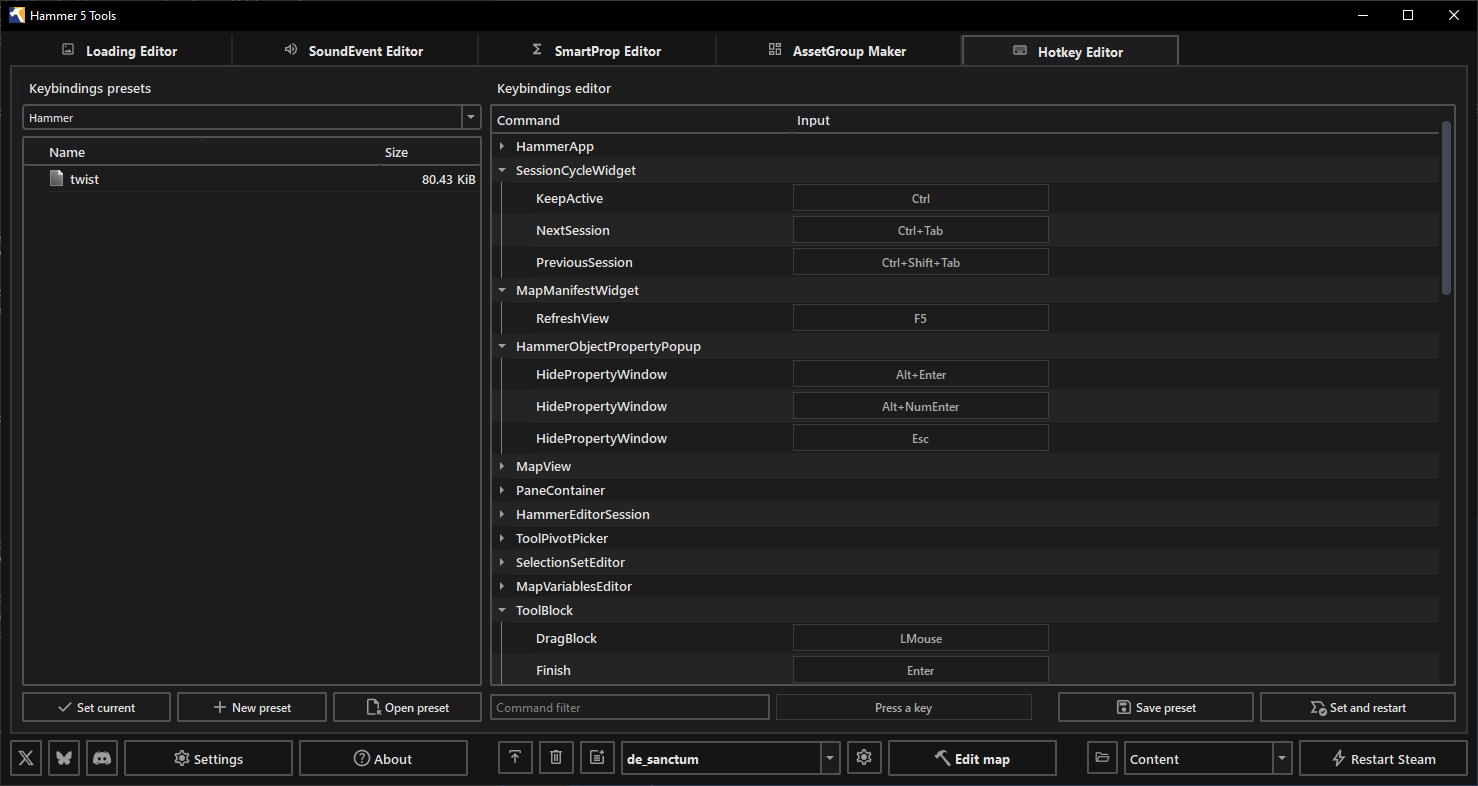
Configure and manage custom keyboard shortcuts for a wide variety of tasks. Streamline your workflow by keeping essential functions right at your fingertips. Store multiple hotkey presets tailored to different projects and switch between them seamlessly.
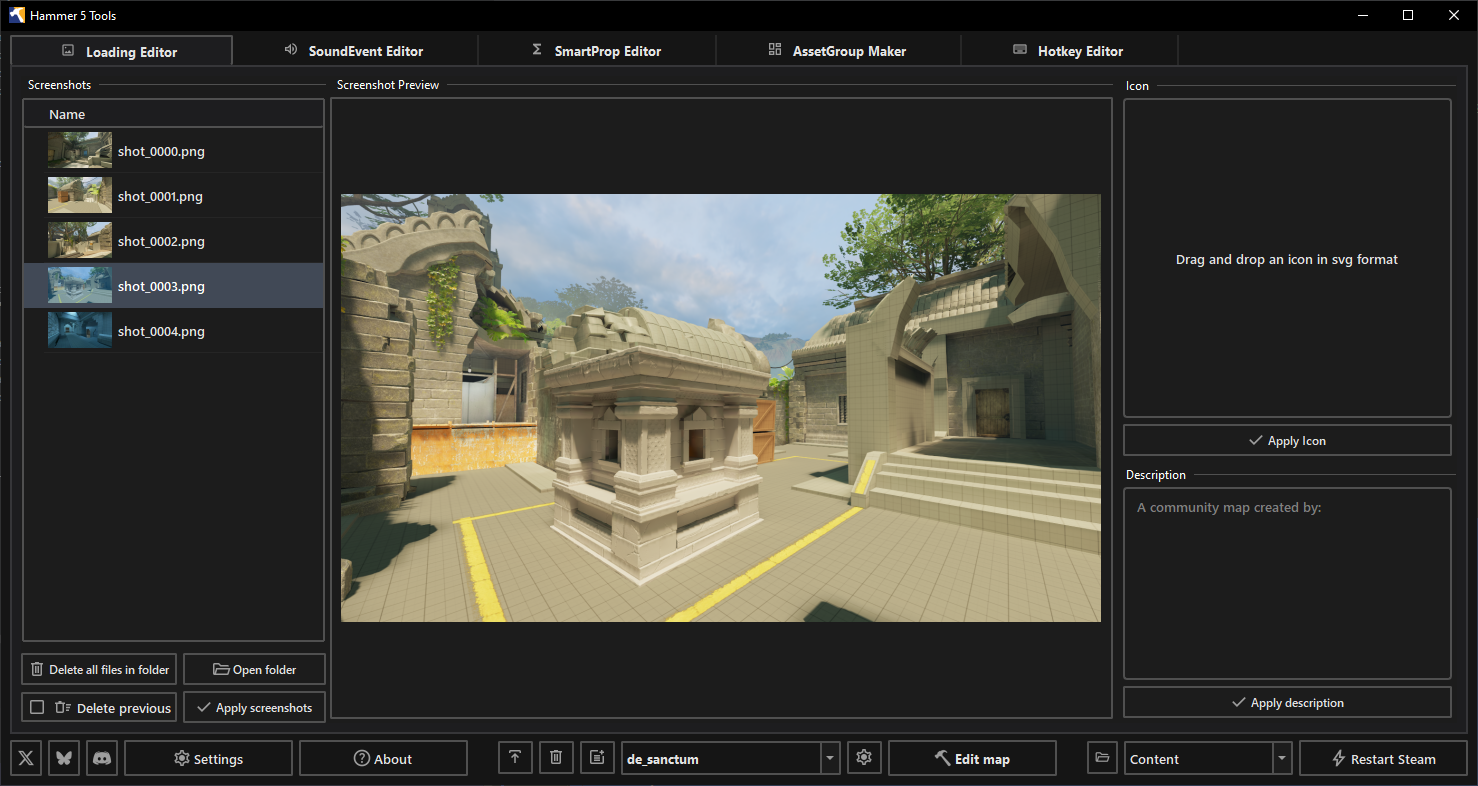
Customize your map's loading experience by managing screenshots, map icons, and descriptions. Capture high-quality screenshots and history snapshots directly from CS2, process them into multiple resolutions, and configure rich-text descriptions for the community workshop.
The application is organized into modules, with each editor implemented as a separate module. Editors can be run independently if you provide the paths to CS2 and the addon. All editors are integrated through the main application (src/main.py), which manages their settings. If you wish to use an editor separately from the main application, you must create separate settings and handle the CS2 and addon paths manually.
Project folder overview:
src/: Contains the main application code and all editor modules.forms/: Minor Qt dialogs, such as About or Launch Options.external/: External libraries and resources not related to Python (e.g., .NET libraries).dotnet/: .NET handle, functions (located insrc/external).
Each major feature or editor has its own folder:
common/: Shared helpers and logic used across editors.main.py: General functions, entry point.
Run configurations are available for PyCharm and Visual Studio Code.
-
Run: To run the application, you need to run the main.py file in the src folder. Do not forget to set the working directory to the
hammer5toolsfolder, which is in the same root folder as src. Otherwise, just use the ready-made run configurations in your IDE. -
Build:
python makefile.py --build-all --archive
The script will generate exe file in the
hammer5toolsfolder. After that it will create a zip archive of the application in thedistfolder for distribution. The archive used by automic updates and can be used to run the application on other computers without installation. -
Installer:
To create the installer, you need to install Inno Setup. Do not change the default installation path.