A blazing-fast, minimalist Neovim configuration for DevOps engineers and backend developers.
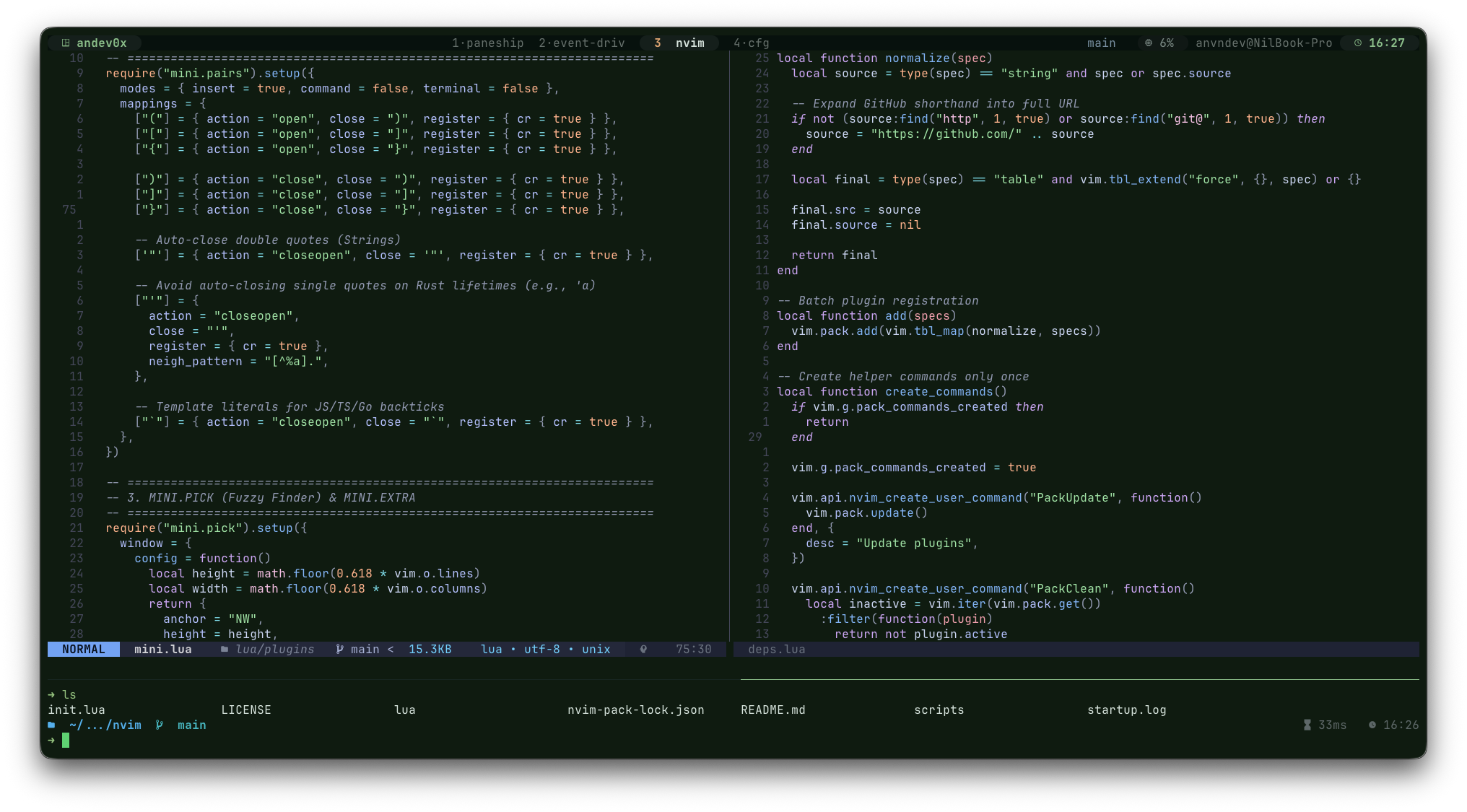
nvimz is a high-performance Neovim setup optimized for Neovim 0.12+ that prioritizes speed, simplicity, and developer experience. With a startup target under 20ms, it replaces heavy plugin ecosystems with native APIs, the lightweight mini.nvim suite, and the built-in vim.pack package manager.


Unlike many configurations that rely on Mason for package management, nvimz expects language servers and formatters to be available in your system $PATH. This ensures:
- Maximum Speed: No overhead from external package managers at startup.
- Reproducibility: Your environment is managed by your system's package manager (Homebrew, APT, Nix, etc.).
- Reliability: Native Neovim 0.12 features are used wherever possible, reducing plugin surface area.
- Neovim 0.12.0+
- System tools:
git,rg(ripgrep),fd - Optional: Ollama for AI features,
stylua,black,shfmt,gofmtfor formatting.
# Backup existing config
mv ~/.config/nvim ~/.config/nvim.bak

# Clone and launch
git clone https://github.com/andev0x/nvimz.git ~/.config/nvim
nvim
The configuration uses the built-in vim.pack system to manage plugins. On first launch, plugins will be automatically installed.
Run the custom tool doctor to check if your system has the required binaries for LSP and formatting:
:ToolDoctorManage plugins with native commands:
:PackUpdate- Update all plugins.:PackClean- Remove unused plugins from disk.
- Startup time < 20ms via optimized lazy loading and the native
vim.packsystem. - Ultra-Low Latency: Optimized redraw cycles (
lazyredraw), smooth scrolling, and throttled statusline updates to eliminate jitter. - Smart Resource Management: Automatic Treesitter disabling for large files (>500KB) and throttled diagnostic polling.
- LSP Throughput: Refined attach logic and asynchronous-like diagnostic updates for a responsive editing experience.
- Zero bloat: Heavy dependencies are replaced with the
mini.nvimsuite. - Native Treesitter: Uses Neovim 0.12's native highlighting and folding (no
nvim-treesitterplugin).
- File Explorer: Fast, fluid navigation with
mini.files. Useainside the explorer to quickly create files/folders. - Fuzzy Finding: Powerful search for files, buffers, and grep with
mini.pick. - Git Integration: Comprehensive Git support with
mini.gitandmini.diff. - Floating Terminal: Instant shell access with
<leader>t. - Formatting: Managed via
conform.nvimusing system binaries. - Smart Completion: Lightweight LSP-powered completion with
mini.completion.
- Debugging: Pre-configured
nvim-dapwith UI and Go support. - Local AI: Integrated Ollama support via
gp.nvim. Auto-starts Ollama if not running. - Copilot: Native integration with
copilot.luafor AI-assisted coding. - Diagnostics: Smart diagnostic popups on cursor hold.
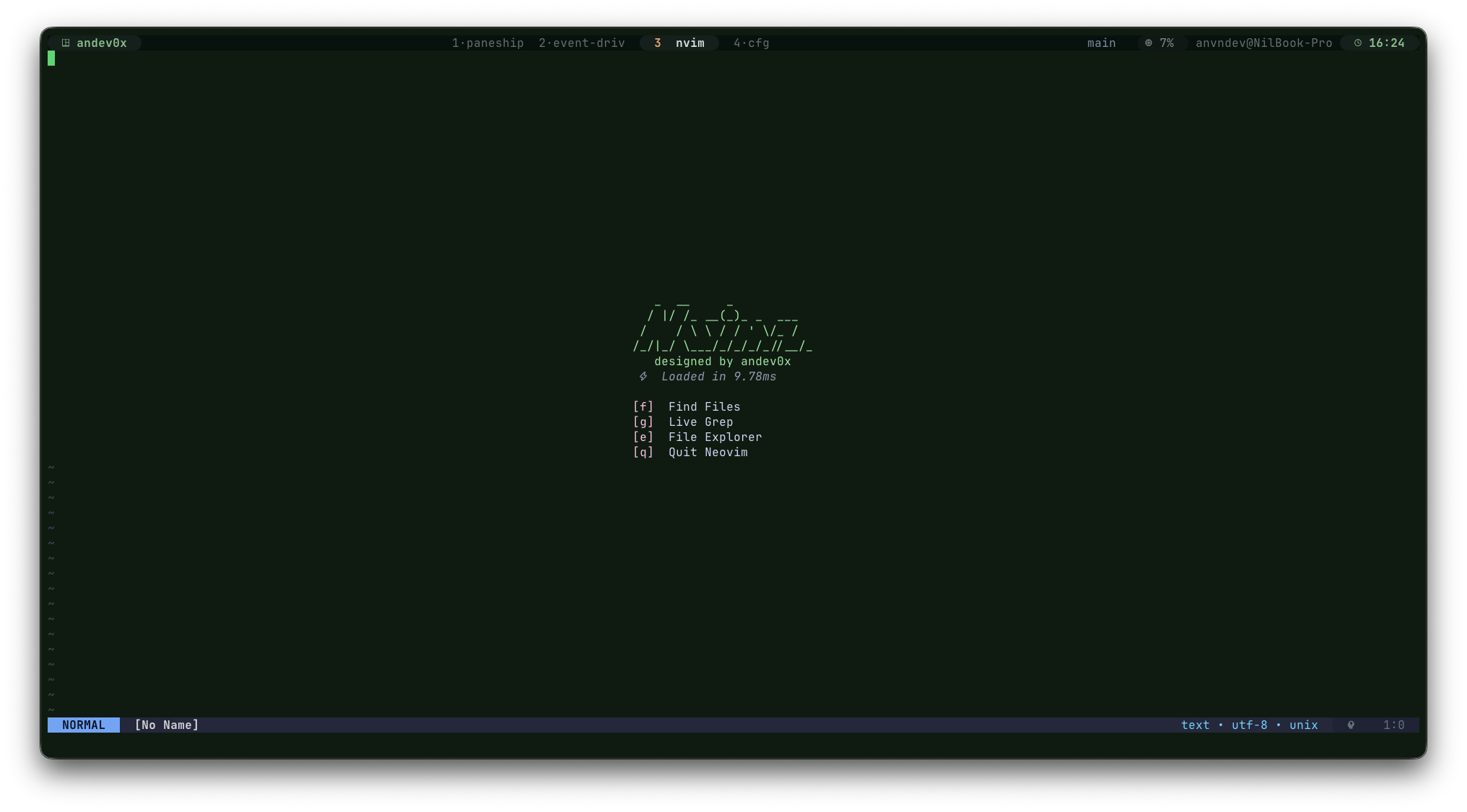
- Dashboard: Minimalist startup screen for quick access to files and search.
| Component | Technology |
|---|---|
| Package Manager | Native vim.pack |
| LSP | Native vim.lsp + lspconfig |
| Git | mini.git + mini.diff |
| Finder | mini.pick + mini.extra |
| Explorer | mini.files |
| Completion | mini.completion |
| Formatting | conform.nvim |
| Debugging | nvim-dap + nvim-dap-ui |
| Treesitter | Native vim.treesitter |
| AI | gp.nvim (Ollama) + copilot.lua |
| Theme | catppuccin |
| Key | Action |
|---|---|
<leader>ds |
Open dashboard |
<leader>w |
Write buffer |
<leader>q |
Quit window |
<leader>h |
Clear search highlight |
<leader>xx |
Close buffer |
<leader>bn / bp |
Next / Previous buffer |
<C-h/j/k/l> |
Window navigation |
<C-d/u> |
Scroll down/up and center |
<leader>z |
Toggle fold |
<leader>t |
Toggle floating terminal |
| Key | Action |
|---|---|
<leader>sv |
Split vertical |
<leader>sh |
Split horizontal |
<leader>se |
Equalize splits |
<C-S-Up/Down> |
Resize height |
<C-S-Left/Right> |
Resize width |
| Key | Action |
|---|---|
<leader>e |
Toggle file explorer (mini.files) |
<leader>ff |
Find files (mini.pick) |
<leader>fg |
Live grep |
<leader>fb |
List buffers |
<leader>fh |
Help tags |
<leader>cp |
Copy relative path |
<leader>cP |
Copy absolute path |
<leader>cn |
Copy filename |
<leader>cd |
Copy directory path |
| Key | Action |
|---|---|
gd |
Go to definition |
gD |
Go to declaration |
K |
Hover documentation |
<leader>rn |
Rename symbol |
<leader>ca |
Code actions |
<leader>uh |
Toggle inlay hints |
gl |
Show line diagnostics |
<leader>fd |
Find diagnostics (Picker) |
[d / ]d |
Previous / Next diagnostic |
<leader>cs |
Document symbols (Outline) |
<leader>cS |
Workspace symbols |
<leader>lr |
References (Picker) |
<leader>ld |
Definition (Picker) |
| Key | Action |
|---|---|
<leader>gs |
Git status |
<leader>gb |
Git blame (at cursor) |
<leader>gd |
Toggle diff overlay |
<leader>gc |
Git commits (Picker) |
<leader>gh |
Git hunks (Picker) |
| Key | Action |
|---|---|
<leader>db |
Toggle breakpoint |
<leader>dc |
Continue |
<leader>di / do |
Step into / Step over |
<leader>du |
Step out |
<leader>dr |
Open REPL |
<leader>dt |
Debug test (Go specialized) |
| Key | Action |
|---|---|
<leader>aa |
New AI Chat (Ollama) |
<leader>aq |
Toggle AI Chat |
<leader>at |
Toggle Copilot |
<leader>a3 |
Switch to Ollama 3B |
<leader>a7 |
Switch to Ollama 7B |
You can create a lua/machine/local.lua file to define machine-specific settings. This file is ignored by Git.
Example lua/machine/local.lua:
return {
    python_path = "/usr/bin/python3",
}Define new servers in lua/infra/spec.lua. Ensure the binary is installed on your system.
M.lsp_servers = {
    gopls = {
        cmd = { "gopls" },
        filetypes = { "go" },
        root_markers = { "go.mod", ".git" },
    },
}Configure formatters in lua/infra/spec.lua and they will be automatically picked up by conform.nvim.
M.formatters_by_ft = {
    lua = { "stylua" },
}MIT © andev0x